TODO: To change the footer's content go to Dr.Explain menu Options : Project Settings : HTML (CHM) Export : Setup HTML Template and Layout
Adding an attendance record
This form can be used to manually create attendance records.
Record created using button
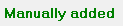
If the record was created during the conversion of clock movements, a button number will be shown here. With manually added records, the words 'Manually added' or 'Time off' will be shown, depending on the purpose of the record.
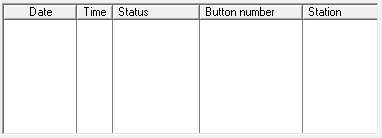
Related clock movements (if any), occurring in the same period
This list is shown for checking purposes. It contains all clock movements for the employee that fall within the period of the added record. The list isn't shown when a time-off record is created.