TODO: To change the footer's content go to Dr.Explain menu Options : Project Settings : HTML (CHM) Export : Setup HTML Template and Layout
Close-off
After all pay slips have been printed for a specific month, it is good practice to close off the month.
This process will give your EMP201 return numbers without generating a lot of reports.
This will also lock the pay slips/attendance records/leave so that no changes can be made that will influence the EMP201 numbers.
If you've closed off the month too soon, the office can provide a password to open the month again. Any changes will most likely change the EMP201 numbers and the return should be submitted again.
You cannot generate the EMP201 before the last 7 days of the month. It can be generated in the last 7 days AS LONG AS all employees have received a pay slip in that period.
Follow these steps to generate the EMP201 and to close off the applicable month.
1. Go to 'Pay'
2. Go to Returns / EMP201 form:
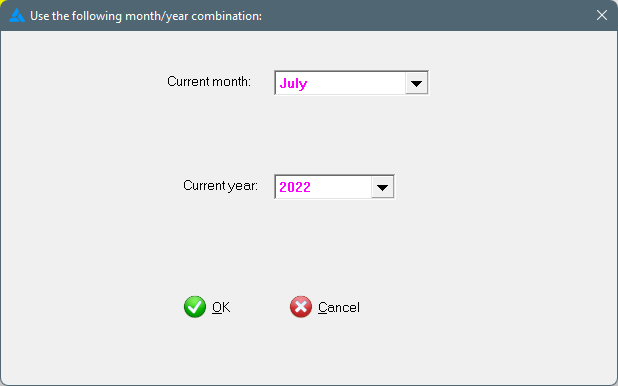
3. Choose the applicable month (the month and year will usually be correct):
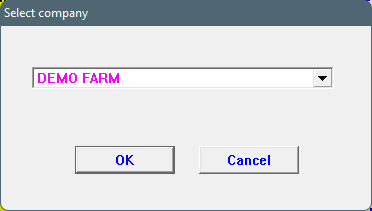
4. Choose the applicable company (if there is more than one company on the system):
5. If an employee didn't receive a pay slip in the applicable month, the system will show this in a list. The list gives you 3 options:
Create a pay slip if the employee worked in this period (Choose 'Create pay slip')
Terminate the employee's services if the employee isn't in your service anymore (Choose 'Terminate services')
Do nothing and close off the month (Choose 'Close')
6. The system will give the following message:
Choose 'OK (create EMP201 printout) to create the report and to close off the month.
7. The two reports created by the system can be seen here.