Africlock Manual
Menu

Reports: Clock workers

Reports: Clock workers
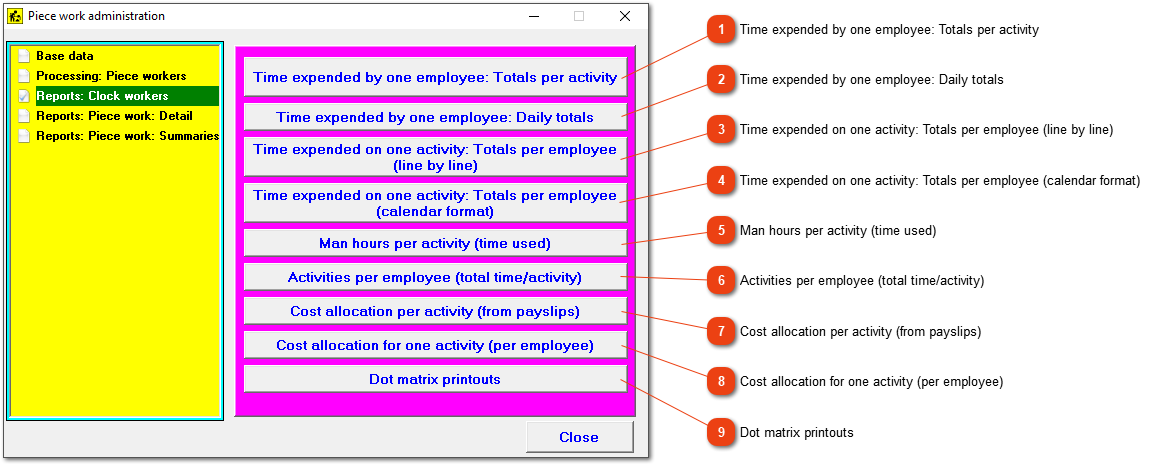
The menu provides a number of reports specifically relating to clock workers.
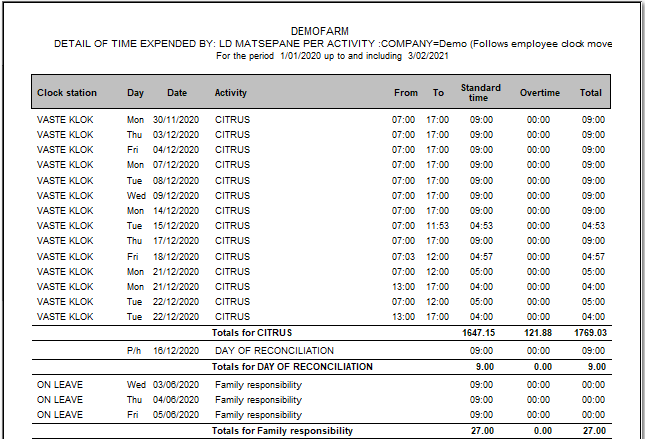
11. Time expended by one employee: Totals per activity
A detailed printout of time expended by an employee. Totals per activity per day is given.
22. Time expended by one employee: Daily totals
Daily totals of time expended by an employee.
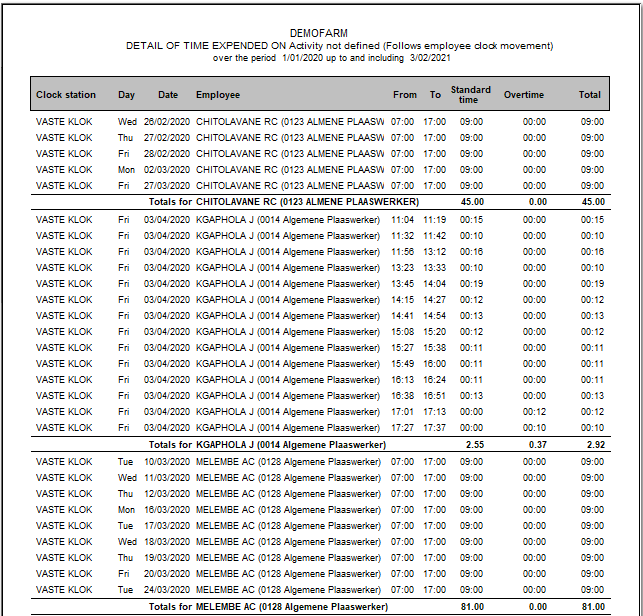
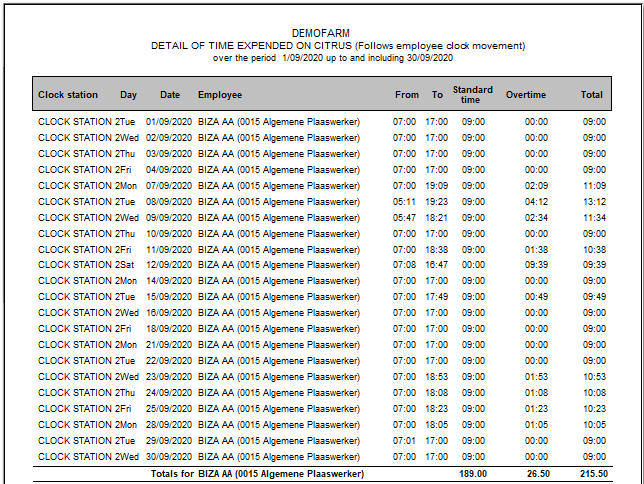
33. Time expended on one activity: Totals per employee (line by line)
This provides a printout showing total time expended on a specific activity by each employee. If a clock isn't linked to a specific activity, the activity will not be defined.
If the clock is linked to a specific activity, every activity's times will be grouped together.
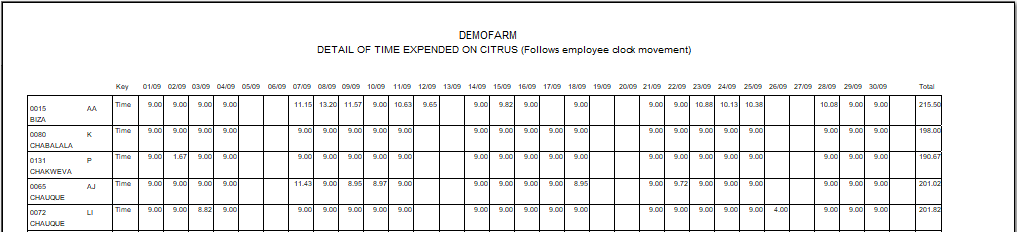
44. Time expended on one activity: Totals per employee (calendar format)
A report where every employees' total time expended on a specific activity will be shown.
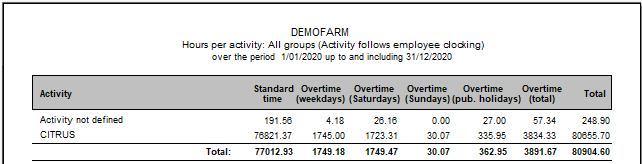
55. Man hours per activity (time used)
Summary of total man-hours expended per activity.
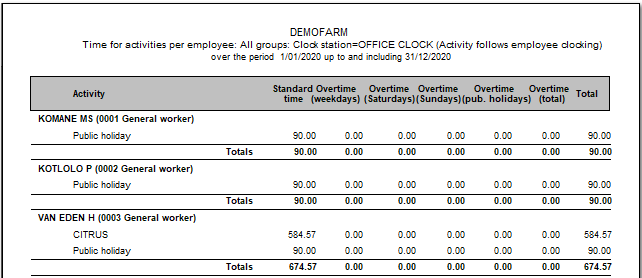
66. Activities per employee (total time/activity)
Summary of total man-hours per employee per activity during a period.
77. Cost allocation per activity (from payslips)
Summary of total time expended per activity showing the costs of the time in terms of employee remuneration.
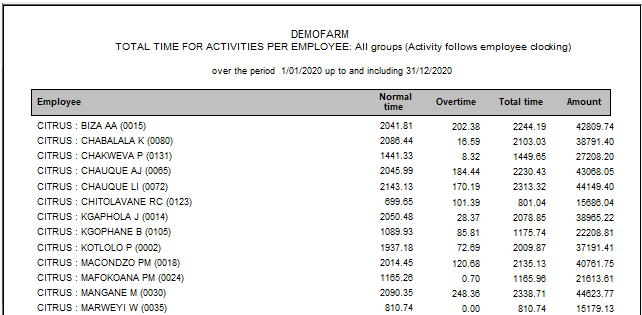
88. Cost allocation for one activity (per employee)
The total time per employee set out as normal time, overtime and total time and the monetary value thereof.
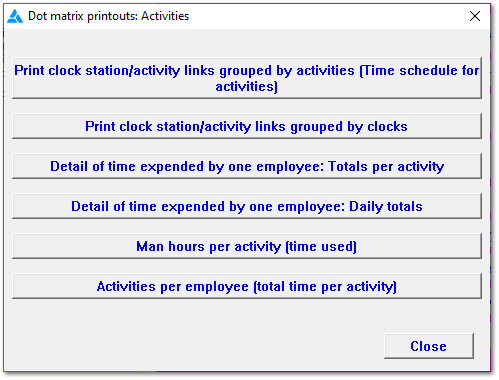
99. Dot matrix printouts
The system can print to a dot matrix printer if necessary, although only certain reports can be produced in this way. The Windows print engine is bypassed for the dot matrix printer, leading to shorter printing times than would otherwise be the case.
The online help was made with Dr.Explain