TODO: To change the footer's content go to Dr.Explain menu Options : Project Settings : HTML (CHM) Export : Setup HTML Template and Layout
Import piece work entries from EXCEL
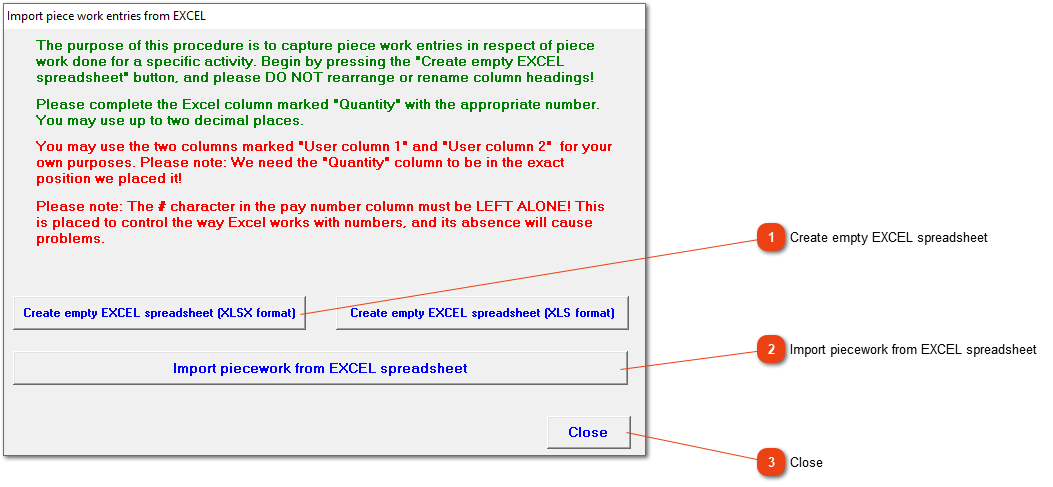
Piece work can be imported from an EXCEL file into Africlock. The file mist first be created in Africlock. Only one activity can be imported at a time.
Create an empty file in one of two Excel formats. The XLSX format usually works, but if it doesn't work, choose the XLS format (older versions).
The created Excel file will already have the employees' employee number, surname, name and employee group. You only need to add the quantity.
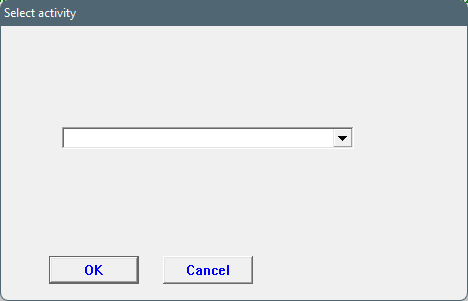
The activity needs to be chosen from the dropdown list. If the correct piece work entry isn't in the list, it should be created first.
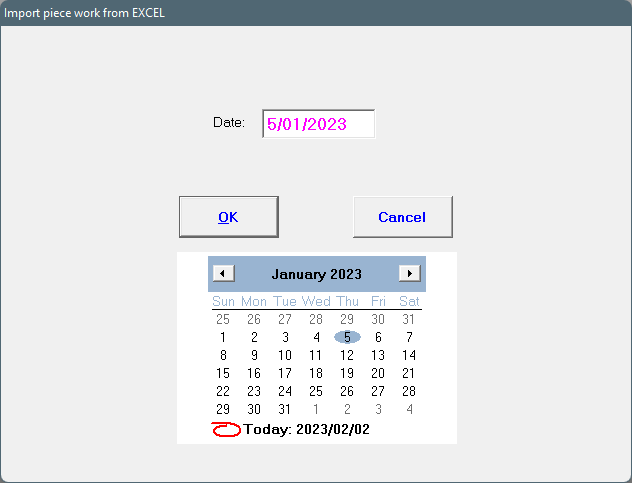
Choose the date the piece work was performed (this should be in your pay period). A whole period's data can be added in an Excel sheet or it can be imported daily. Just make 100% sure about your dates because more than one piece work entry for the same activity can NOT be entered on the same day.
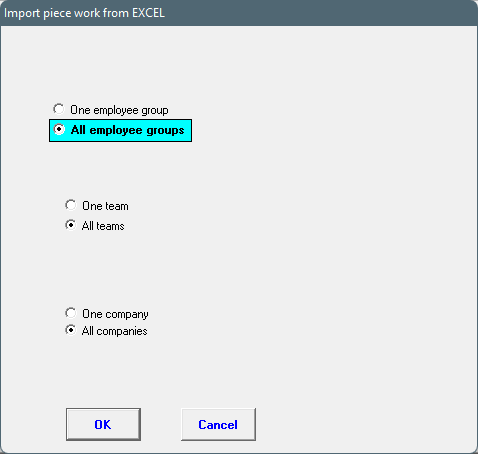
Choose the applicable group, team and company whose employees should be added in the Excel file. Everyone in the file does not need to have entries.
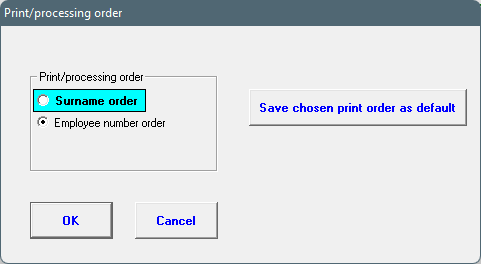
The order of employees listed can be according to surname or employee number.
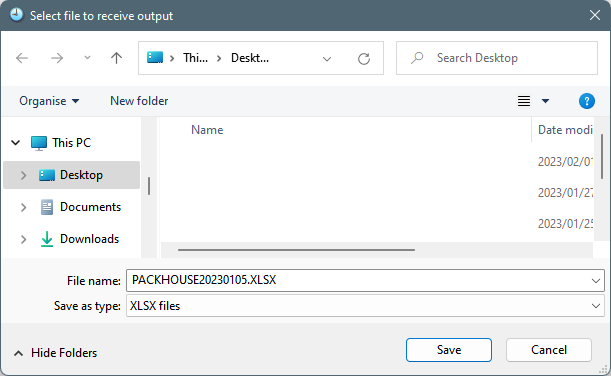
Choose where the file should be stored. The standard is on the Desktop. Do not change the file name or type.
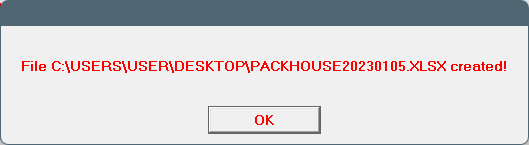
The next message will be shown if the file was created successfully.
The Excel sheet has the following columns. The only column that you need to fill out is the 'Quantity' column. Do not change any of the other columns' contents. If changes are made, data will not be imported successfully.
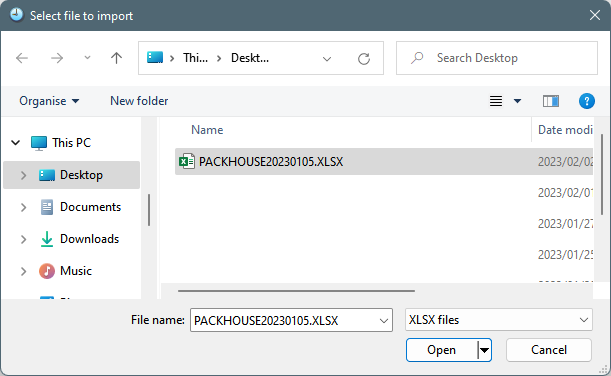
After you have completed and stored the piece work spreadsheet, the data must be imported into Africlock. Find the file where it was stored.
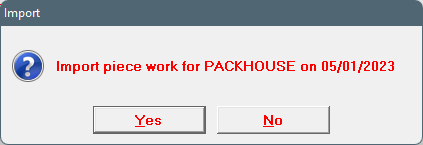
The system will confirm the specific activity and date. Choose 'Yes' if this is correct. If it is incorrect, a new spreadsheet must be created with the correct activity and date.