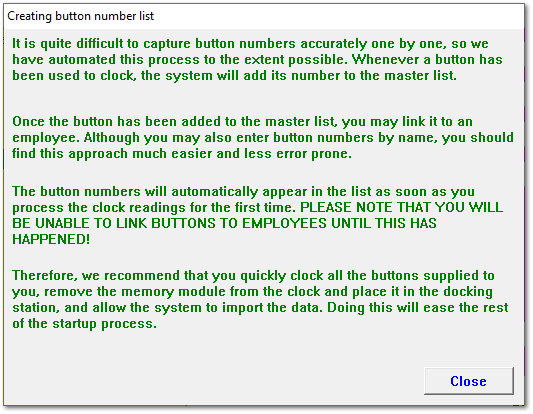
Help window explaining how to capture button numbers in bulk without a button reader.
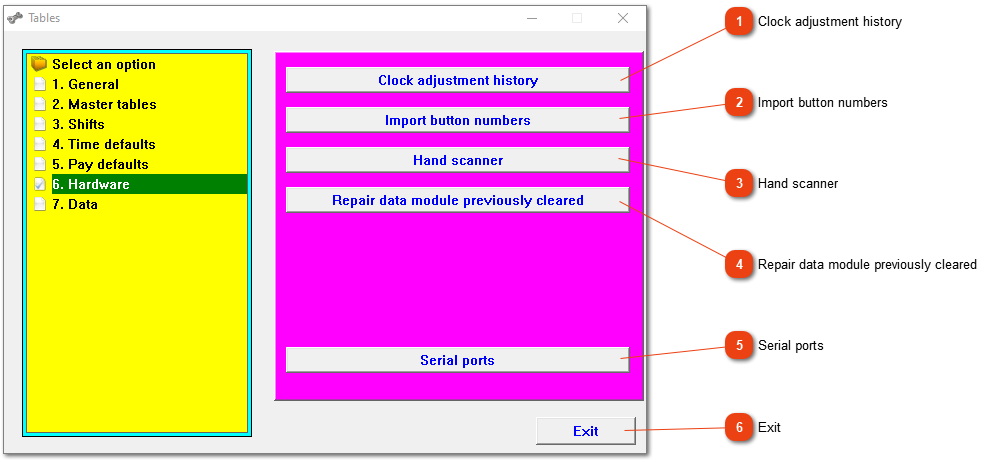
This window is intended to guide you in adding button numbers. Familiarize yourself with the procedure and remember that this only applies to fixed and portable button clocking machines. PLEASE NOTE: You can also use a button reader to assign the button numbers.
If you need data, and it hasn't been found in the data log, this option can be used. If you need to use this option frequently (there is most likely something wrong with the module), it isn't a bad idea to get a quote for a new memory module. Do not just follow this process blindly. Rather phone us to discuss the problem and to find out if it really is necessary.
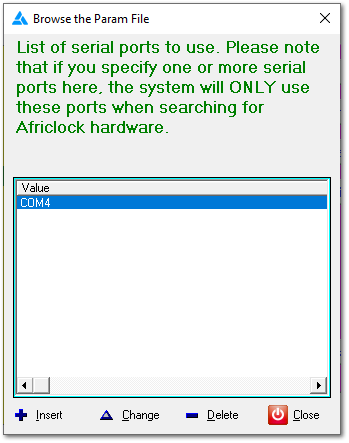
Here one can define serial ports that the system should specifically look for when connecting hardware (clock, docking station and/or button reader). Please do not define ports because the system is struggling to see the hardware. This is almost never the cause and therefore solution. The drivers sometimes needs to be installed again and adding serial ports will not solve this problem. Please phone the office for assistance.