Africlock Manual
Menu

Insert/change a rainy day

Insert/change a rainy day
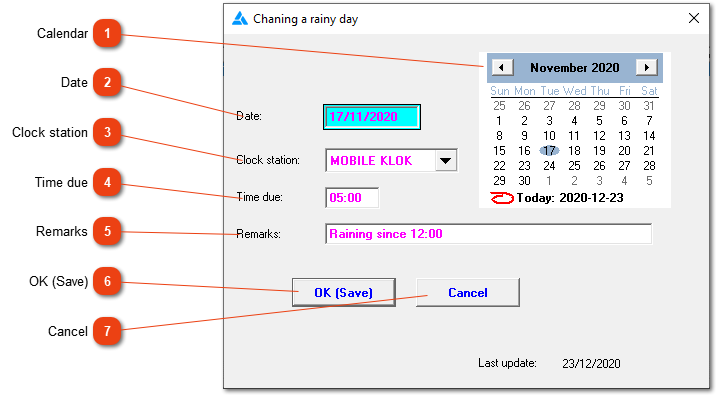
Time due on a specific day, can be adjusted here. This adjustment should be made before pay slips are created and it cannot be done retrospectively.
1

Calendar

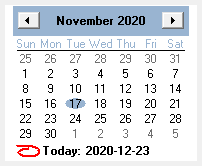
1. Calendar
Use the calendar to choose the correct date.
2

Date

2. Date
The date can be entered here if you haven't used the calendar.
3

Clock station

3. Clock station
Choose the clock station.
4

Time due

4. Time due
Change the required time here. For example: Employees usually work 8 hours daily, it rained for 3 hours so they couldn't work. Change the required time to 5 hours if you want to, but this isn't necessary. According to law, on a rainy day, if the employee came to work, he/she needs to be remunerated for at least 4 hours (and the system already does this).
5

Remarks

5. Remarks
You can insert a comment here for record keeping.
66. OK (Save)
Save the information.
77. Cancel
Close the screen without saving the information.
 
The online help was made with Dr.Explain