TODO: To change the footer's content go to Dr.Explain menu Options : Project Settings : HTML (CHM) Export : Setup HTML Template and Layout
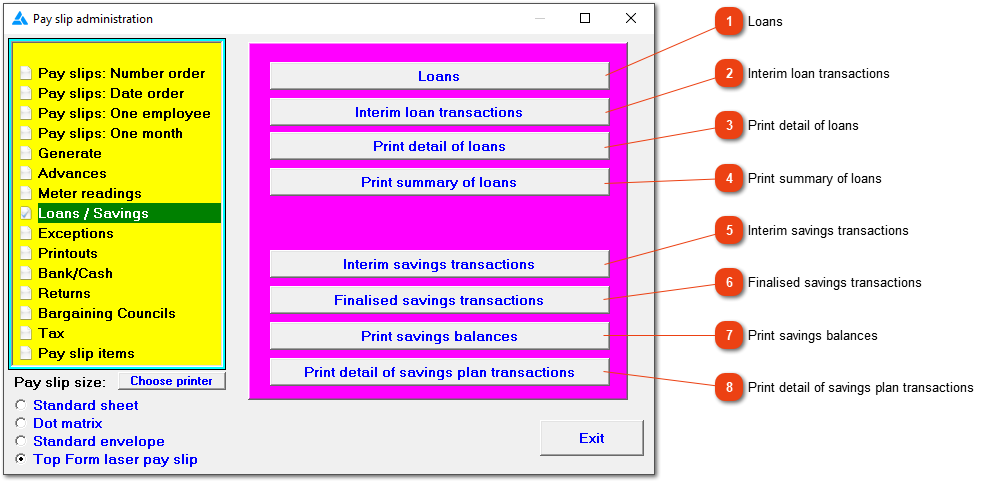
Loans/Savings
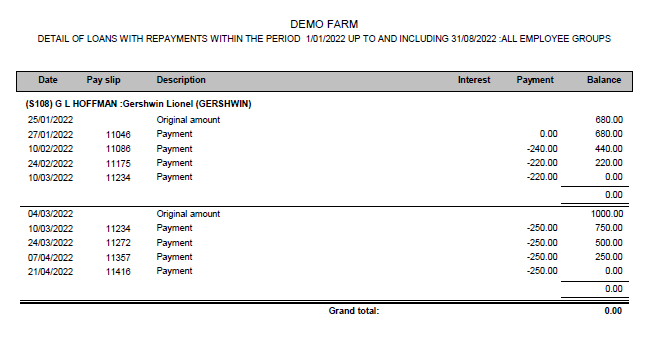
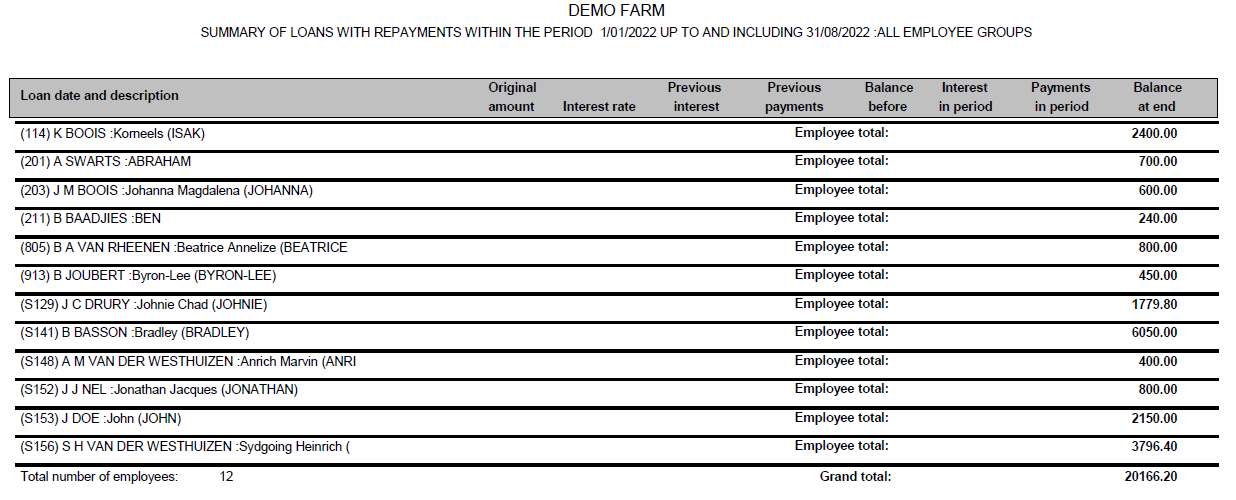
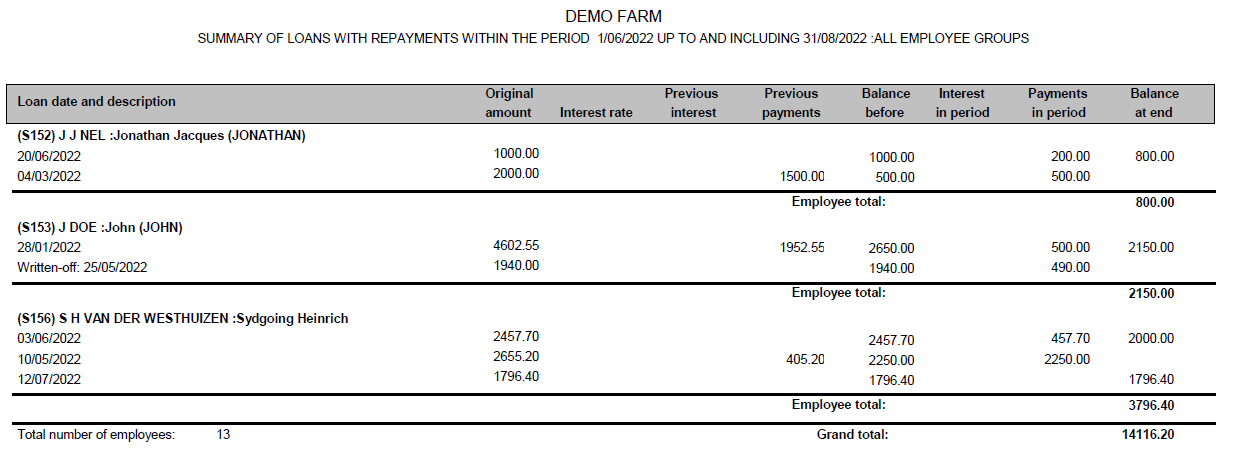
Loans: Your employees may occasionally borrow money from you which is to be repaid in fixed instalments over a period. The system can handle the administration of these loans. The instalments will be deducted automatically from the employees' wages until the loans have been repaid. The loan amounts and repayment periods can be changed before the debts have been settled, and subsequent deductions will be adjusted accordingly.
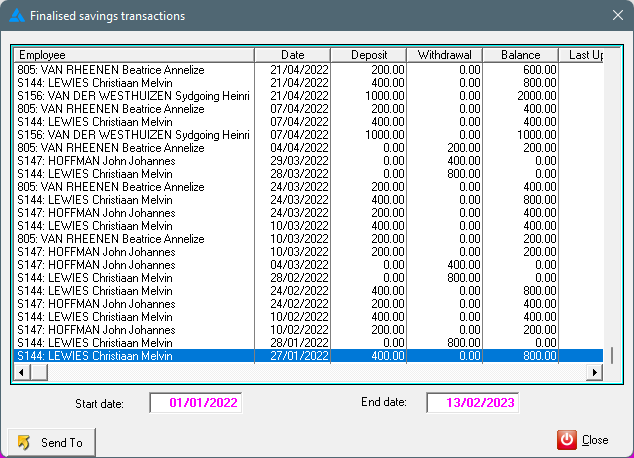
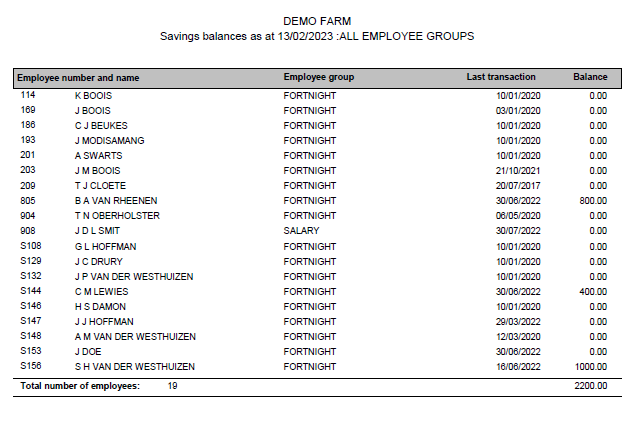
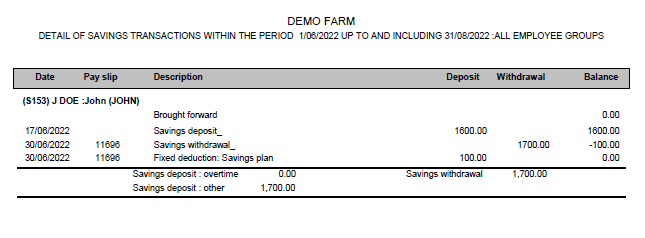
Savings: You can operate a simple savings scheme on behalf of your employees whereby an agreed amount is deducted from an employee's wages every payday and the employee can make withdrawals or additional deposits at any other time. Manually add the fixed deduction to an employee's pay slip once, after which the deductions will be made automatically each time wages are paid. To end an employee's participation in the scheme, delete the fixed deduction from the first pay slip on which it should not appear and save the pay slip.
If an employee wants to add or withdraw cash from their savings plan, usually in cash, which will not influence his/her netto income on the pay slip, use the interim savings transactions. This will increase or decrease the employee's savings balance.