TODO: To change the footer's content go to Dr.Explain menu Options : Project Settings : HTML (CHM) Export : Setup HTML Template and Layout
Monthly UI-19 return
The UI-19 can be printed monthly. The following information will be captured on it: All the employees in the company will be listed with their monthly income; appointed date; date of termination if applicable; reason for termination if applicable; is the employee a UIF contributor; reason if the employee isn't a contributor. Here are the steps to print the report:
1. Go to Pay/Returns/UI-19
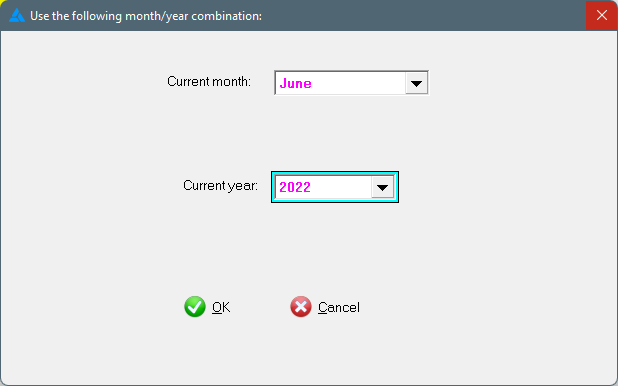
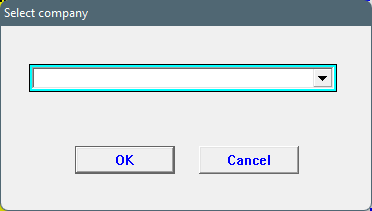
2. Generate the report for a specific month and year. The default will be set on the current month and year. Choose the applicable company if there is more than one on the dataset.
3. The system will not generate the report if a UIF reference number is incorrect. It can be corrected by going to Tables/General/Company particulars/UI-19 values:
4. Three reports will be generated:
1. UI-19
2. Work schedule for each applicable employee.
3. Certificate of service for each applicable employee.