TODO: To change the footer's content go to Dr.Explain menu Options : Project Settings : HTML (CHM) Export : Setup HTML Template and Layout
Bargaining councils
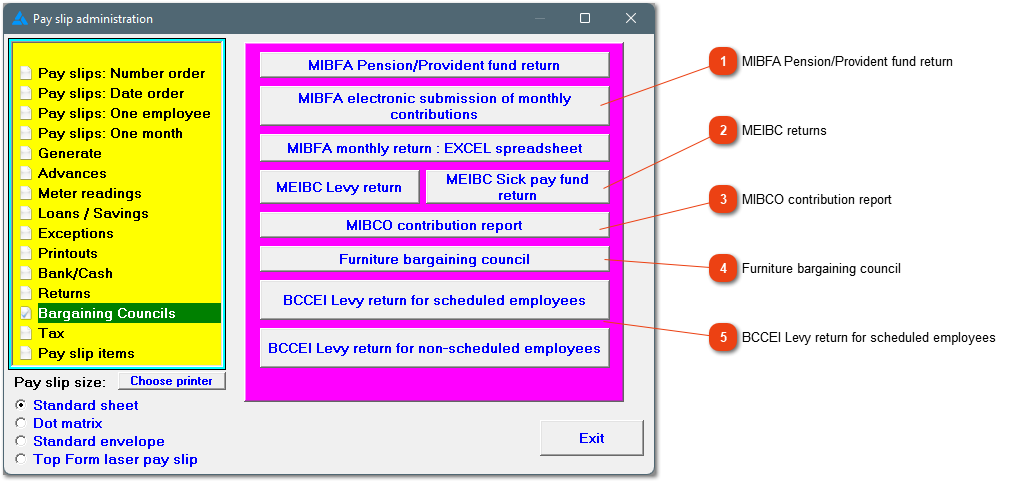
The system can generate various returns for different bargaining councils. The system will guide you to select the correct items for the returns. You need to phone us so that the correct items can be created to be added on the employees' pay slips.
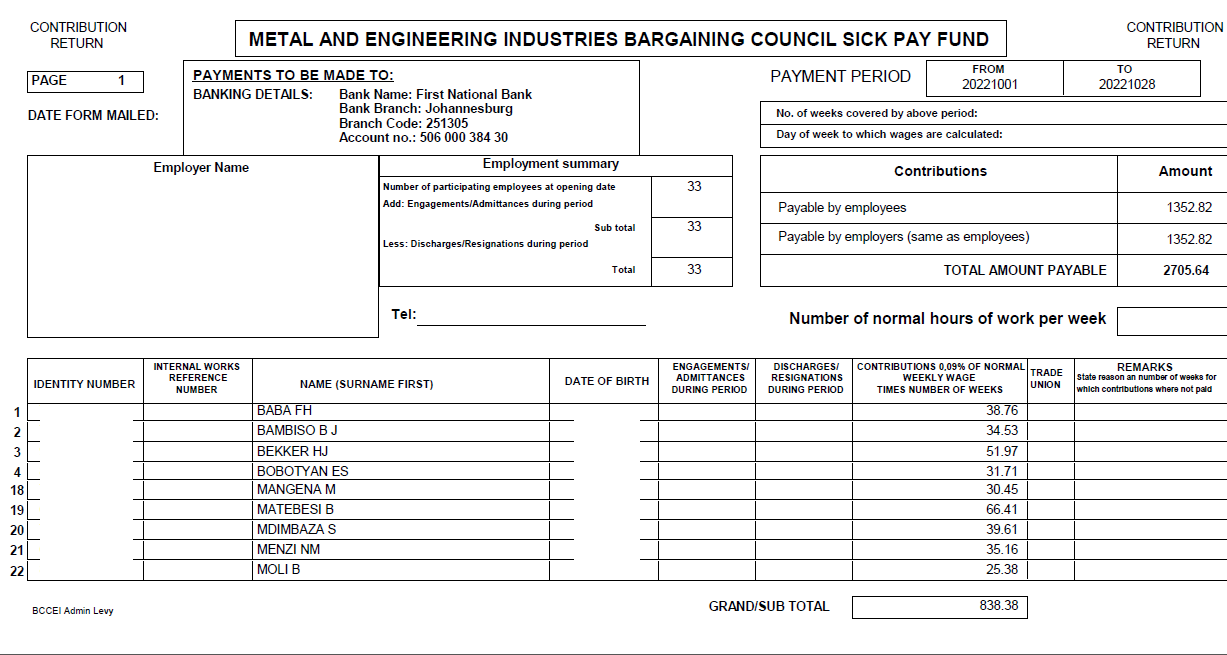
Various returns for the 'Metal Industries Benefit Funds Administrators'.
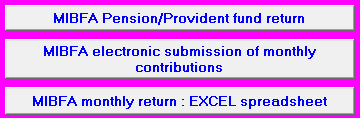
MIBFA pension/provident fund return. The system will ask if you have employees that has a pension fund and to choose the applicable pay slip item. The system will also ask if some of the employees has a provident fund and the applicable pay slip item.
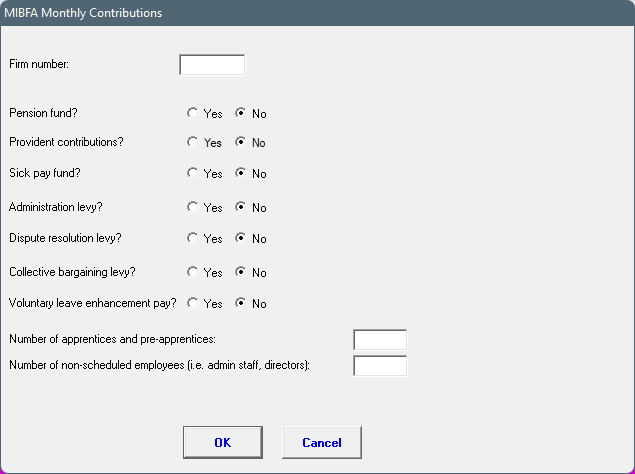
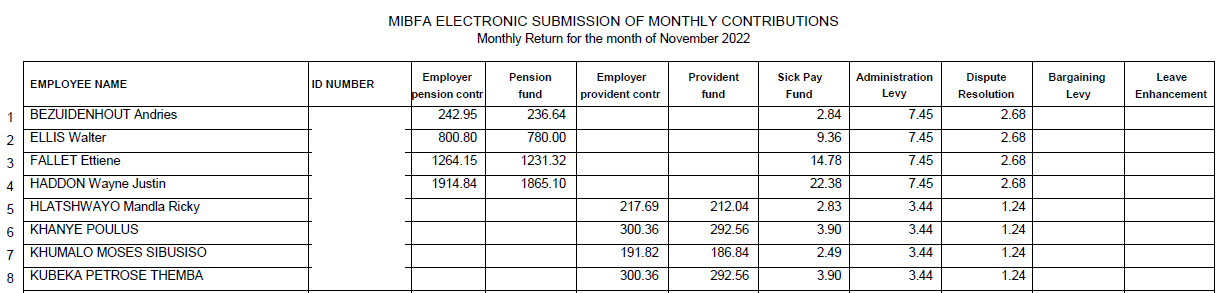
MIBFA electronic submission of monthly contributions
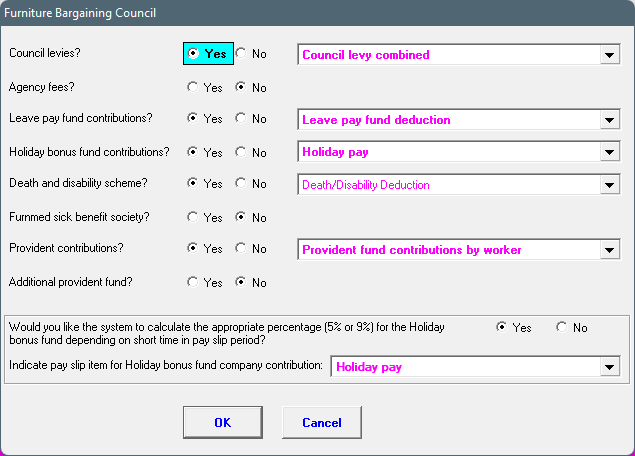
Before the MIBFA electronic file is create, the system needs to know what levies and funds are applicable on the company's employees.
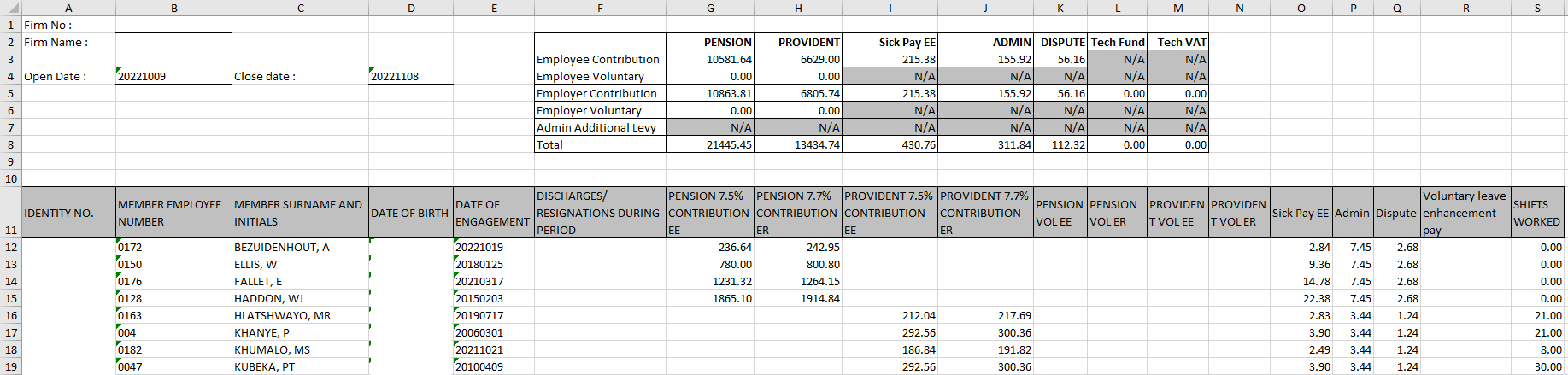
MIBFA monthly return: EXCEL spreadsheet
Mass adjustment of a recurrent item's amount
When the % increases, the adjustment can be made at once and you do not need to adjust the totals one by one on the pay slips. It is discussed here in more depth.
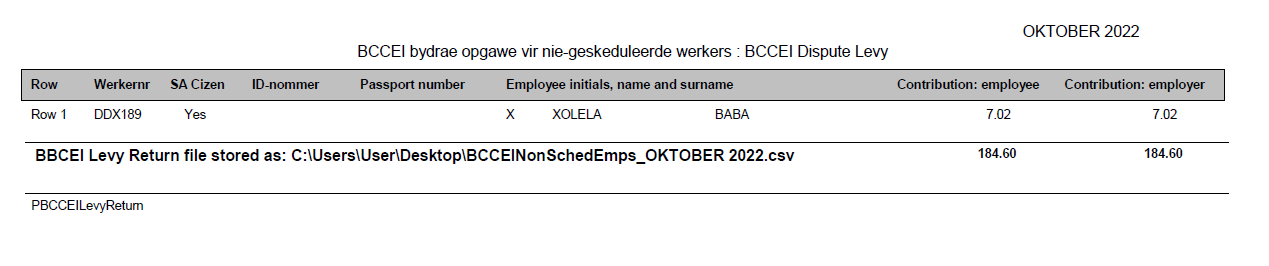
'Bargaining Council for the Civil Engineering Industry'. Two different groups' reports can be generated. One pay item defined for the one group and another pay item for the other group.