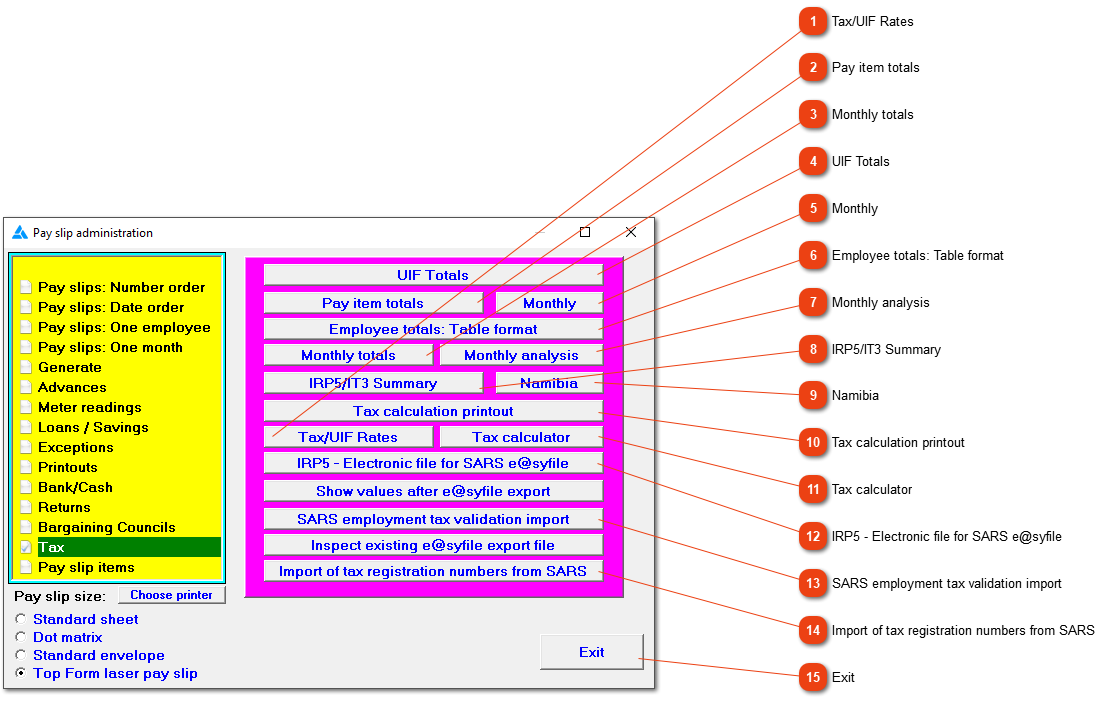
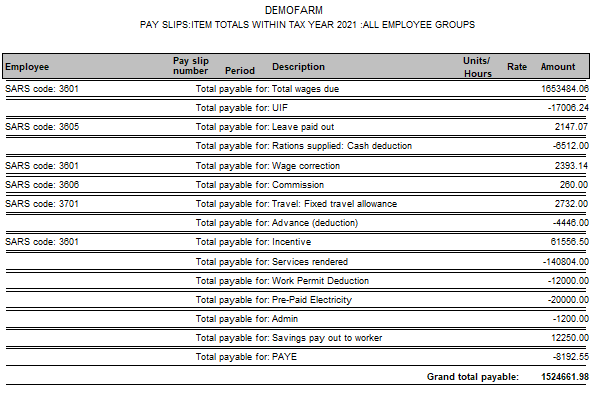
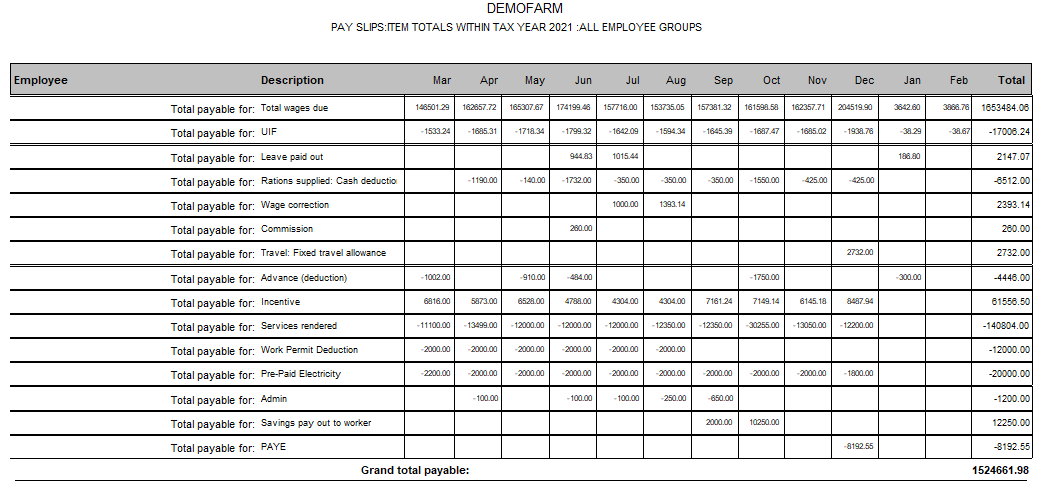
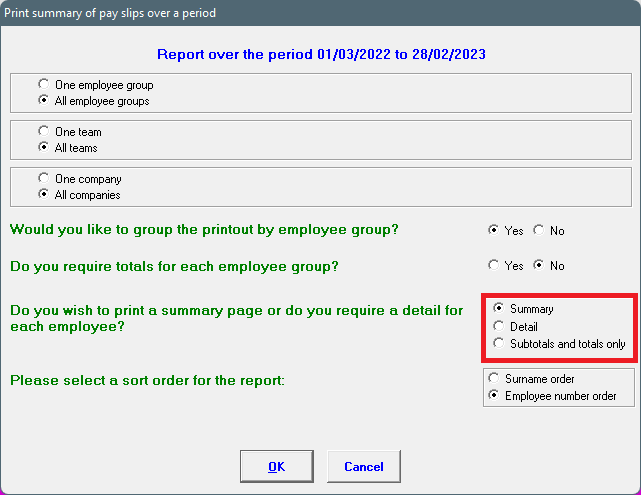
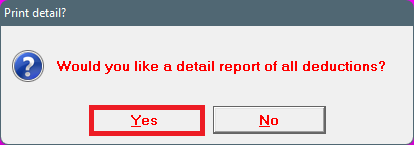
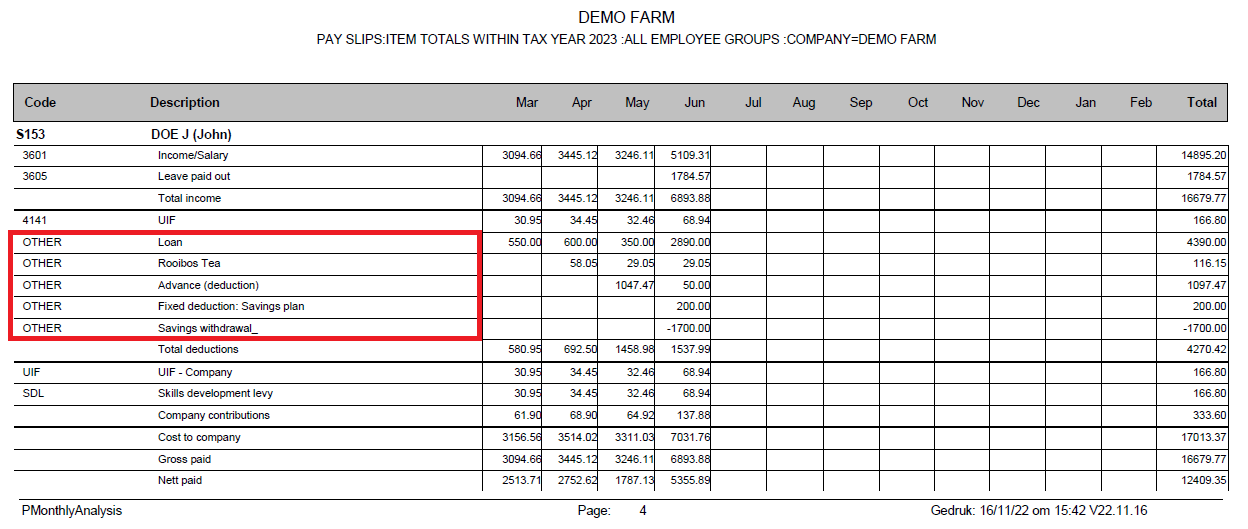
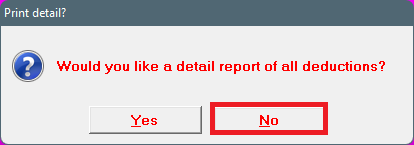
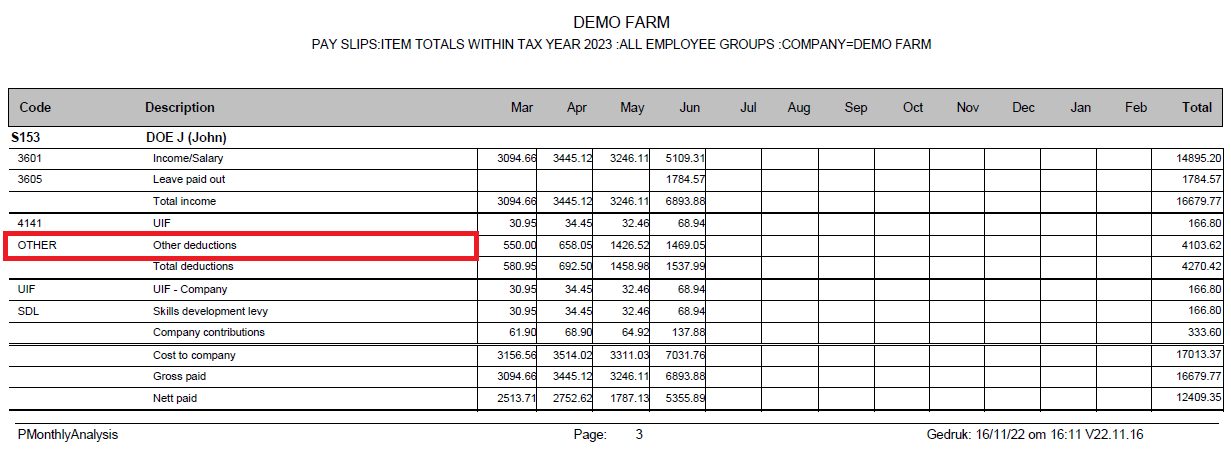
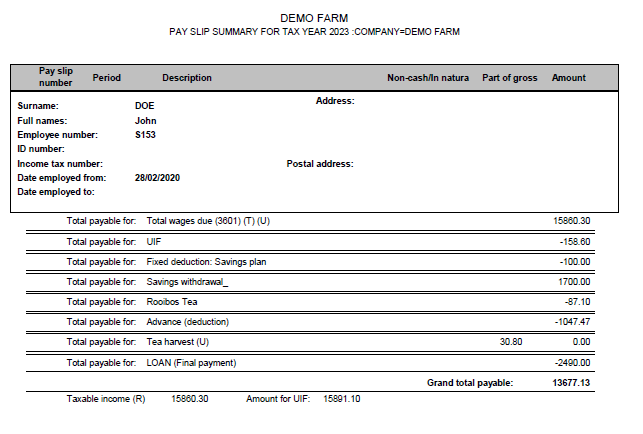
This report analyzes all amounts paid to your employees and deducted from their wages during a certain tax year by item type. This will show all items used (e.g. total wages due, bonus, UIF deducted, etc.) with their totals. You can request a more detailed report in which each item total is further broken down to show the individual pay slip figures. In both cases, the report can be limited to only one item (e.g. UIF).
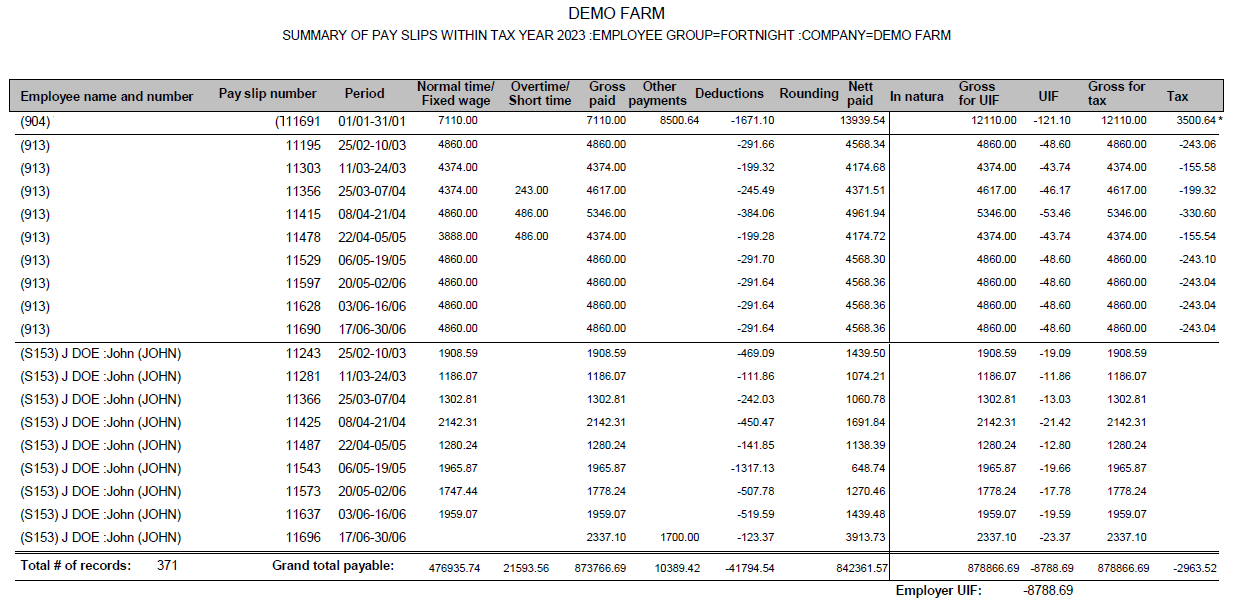
Pay item totals - Detail: Each pay slip, on which the item appears, will be on the report with the employee's details, pay slip numbers, period (pay slip), description and amount displayed separately.
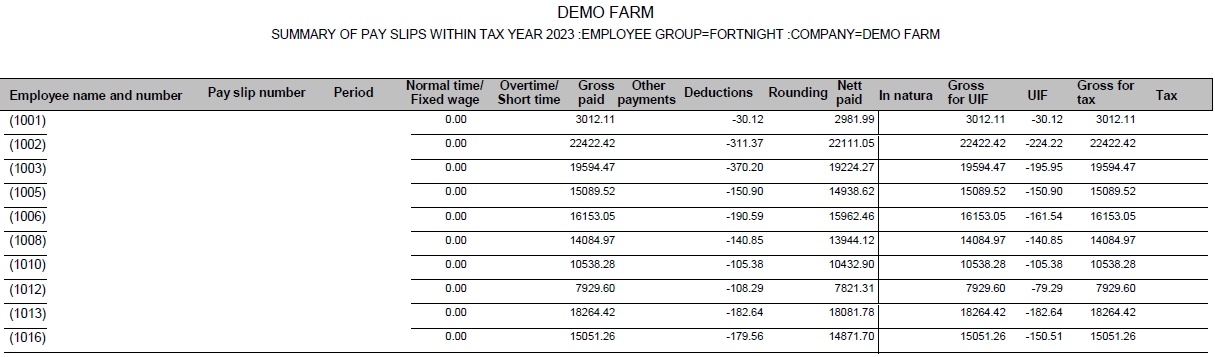
Pay item totals - Summary: This is a summary of the pay item totals for the tax year. This report will give a sum total of each pay item used and will give no individual totals.
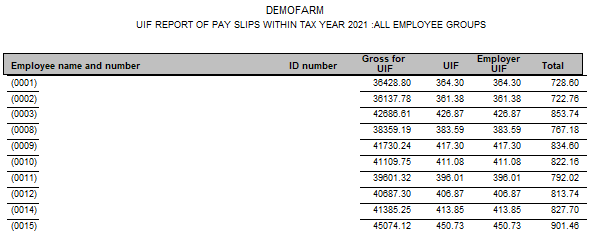
UIF totals for the tax year can be printed in detail or summarised.
UIF - detail: Every pay slip for every employee will be shown on the detailed report for the tax year. The employee's and employer's contribution, as well as the sum of the UIF for each pay slip.
UIF - summary: Each employee will have one entry for the tax year: The total gross pay, the employee's and employer's UIF contribution as well as the sum total of UIF for the tax year.
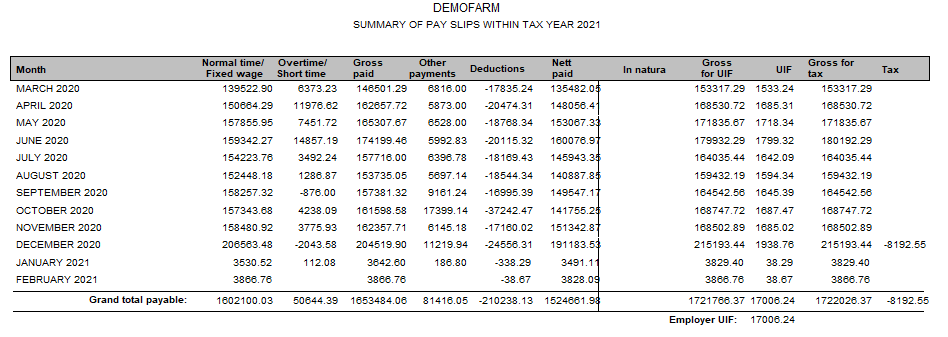
This is an analysis of each month's pay slip items. This is the only place that you'll see the SDL calculated on each employee as well as a cost to company figure.
Information shown on the employee's IRP5 or IT3. The items will be marked with a T and U if it is a taxable item and is used in the UIF calculation. The applicable IRP5 code will also be shown.
IRP5/IT3 summary - detail: The different pay slip items will be shown per pay period for the tax year.
IRP5/IT3 summary - summary: The sum total of each pay slip item will be shown for the tax year.
Namibia's IRP5 certificates are generated here. The pay slip items should have the right IRP5 codes (this isn't automatically set up). Please phone the office so that one of the support personnel can assist.
How the system calculated the tax for a specific employee. The system works on a year to date basis when it comes to tax. So it constantly calculates what the employee owes SARS or what SARS owes the employee.