Importing tax numbers from SARS Easyfile
Tax numbers of employees can be mass created and exported from Easyfile to Africlock in order to keep employees' data up to date.
For the mass creation of tax numbers in Easyfile, follow the steps below:
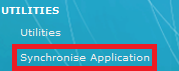
1. Under the main item, UTILITIES, select: Synchronise Application
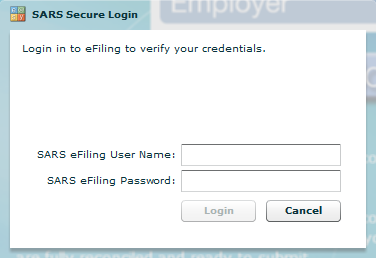
2. Complete the SARS eFiling User Name and Password, and click on: 'Login':
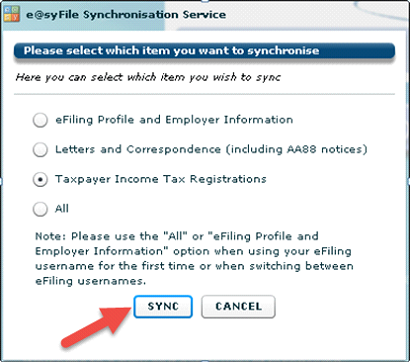
3. The following screen will appear: Easyfile Synchronisation Service.
4. Select: 'Taxpayer Income Tax Registrations', and click on: 'SYNC':
5. The 'IT Registraion - Synchronise Process' will follow.
6. As soon as you have received the message 'Complete', click on: 'OK'.
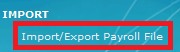
7. Click on: 'Import/Export Payroll File':
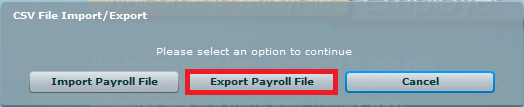
8. Select the option: 'Export Payroll File':
9. Select the correct year, and click on: 'Export'.
10. To save the export file, select: 'Desktop'.
To import the tax numbers into Africlock, follow the steps below:
1. Click on the Main Screen on: Pay:
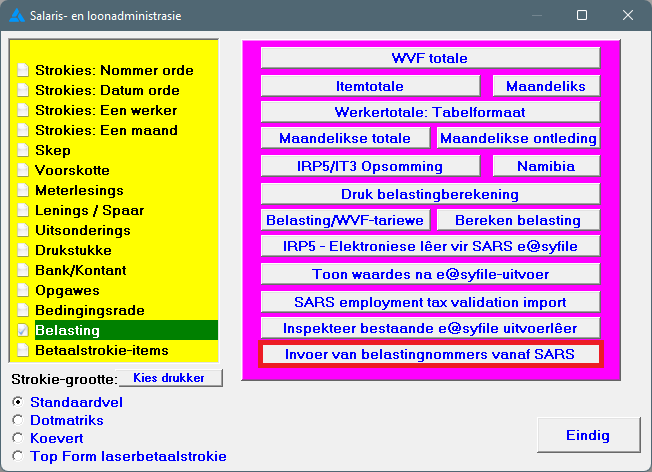
2. Select from the options in the yellow block: Tax.
3. Select from the options on the right hand side in pink/blue: Import of tax registration numbers from SARS:
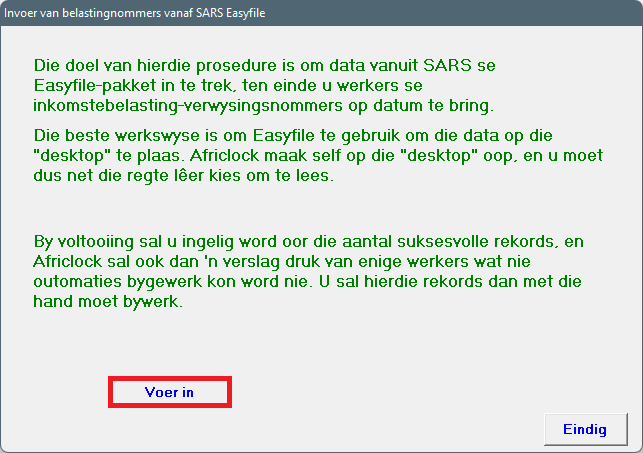
4. On the following screen, click on: IMPORT:
5. Select 'Desktop' from where the tax numbers will be imported. Click on: 'Open'.
6. Import will be done accordingly.