Options when generating printouts
When printing attendance reports, this screen or a similar screen will be shown. This gives you control to specify some option.
 Report in question
The name of the report will be shown here.
|
|
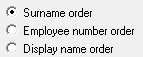
 Sort order for report
The employees can be sorted according to surnames, employee numbers or display names.
|
|
 Exclude employees without attendance records
The option is there to exclude employees from the list if there isn't any attendance records for the time period.
|
|
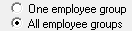
 Employee group
Should the report be generated for one or all employee groups.
|
|
 Team
Should the report be generated for one or all teams.
|
|
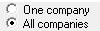
 Company
Should the report be generated for one or all companies.
|
|
|
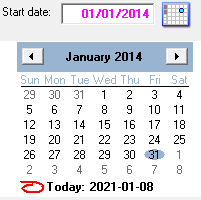
The first date that should be included in the report. The date can also be chosen on the calendar.
|
|
|
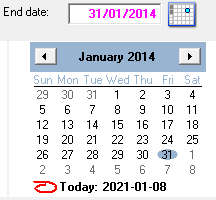
The last date that should be included in the report. The date can also be chosen on the calendar.
|
|