Africlock Manual
Menu

Pay slips over a period

Where it is necessary to print pay slips, created over a period, at the same time, follow these steps:
1.     Click on the main screen on: Pay
2.     Choose on the left side in the yellow block: Printouts
3.     On the right side in pink/blue: Pay slips over a period.
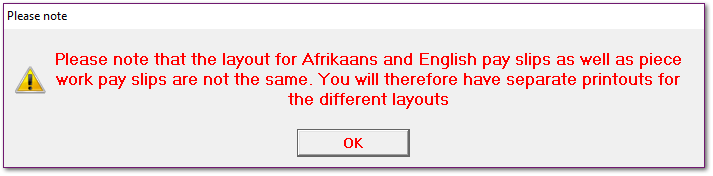
4.     Note
Pay slips over a period
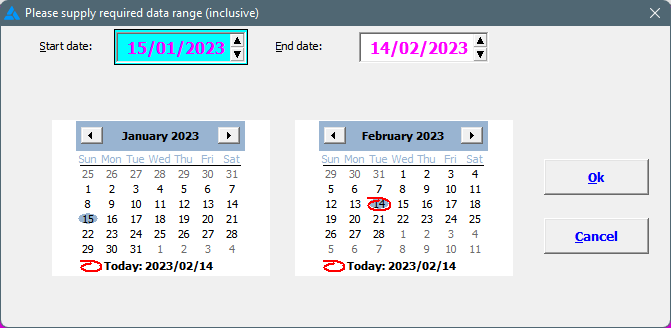
5.     Supply the required date range:
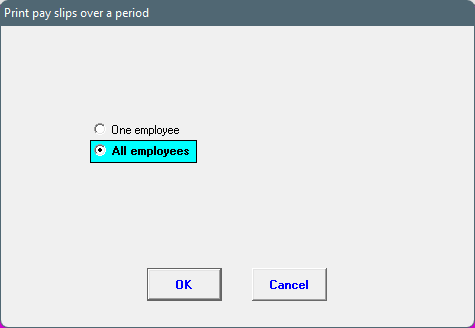
6.     Indicate if the pay slips must be printed for one or all employees.
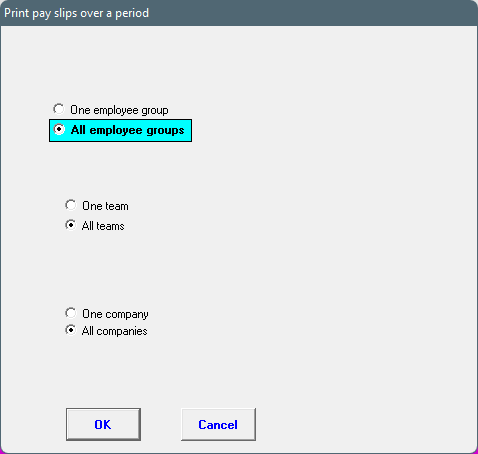
7.     Indicate if the pay slips should be printed for one or all employee groups; as well as one or all employee teams and one or all companies. Click on: OK:
8.     The pay slips will be displayed on the screen, from where it can be printed.
 
The online help was made with Dr.Explain