TODO: To change the footer's content go to Dr.Explain menu Options : Project Settings : HTML (CHM) Export : Setup HTML Template and Layout
Savings plan
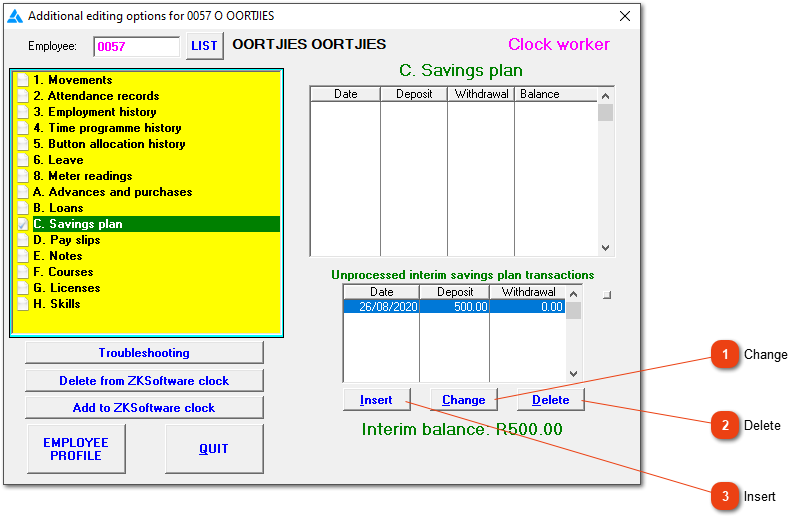
This section of the menu displays the employee's savings plan history. The upper list shows all transactions which have already been taken into account on pay slips, while the lower one contains details of transactions which will be processed when the employee's next pay slip is created. Click here for more information about the savings scheme.
Edit the highlighted record. You will only be able to change records in the unprocessed table.
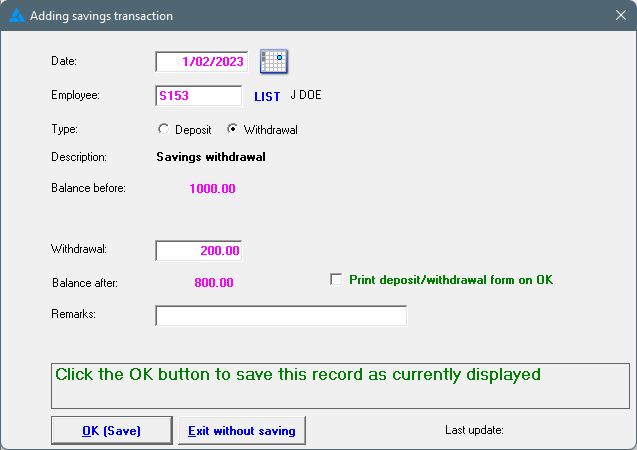
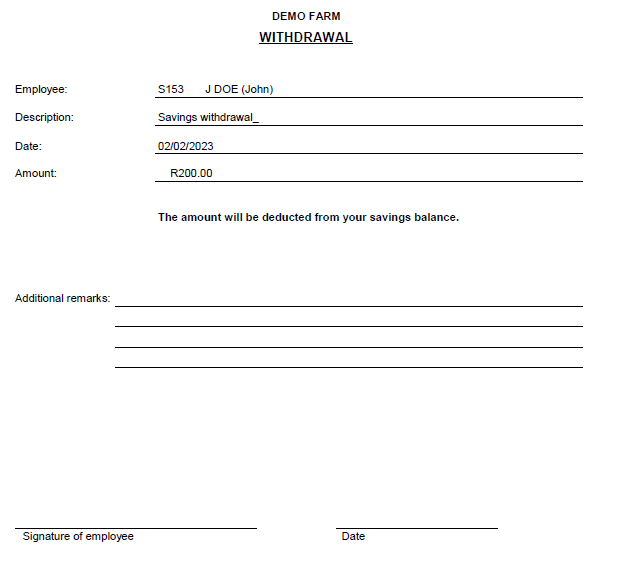
Create a new interim deposit or withdrawal record. This will not deduct or add money on the employee's pay slip, but this will change the savings plan balance. If an employee brings cash in the middle of a pay period to be placed in his savings, or if he needs cash out of his savings plan, this is the correct way to do it.