TODO: To change the footer's content go to Dr.Explain menu Options : Project Settings : HTML (CHM) Export : Setup HTML Template and Layout
Time defaults
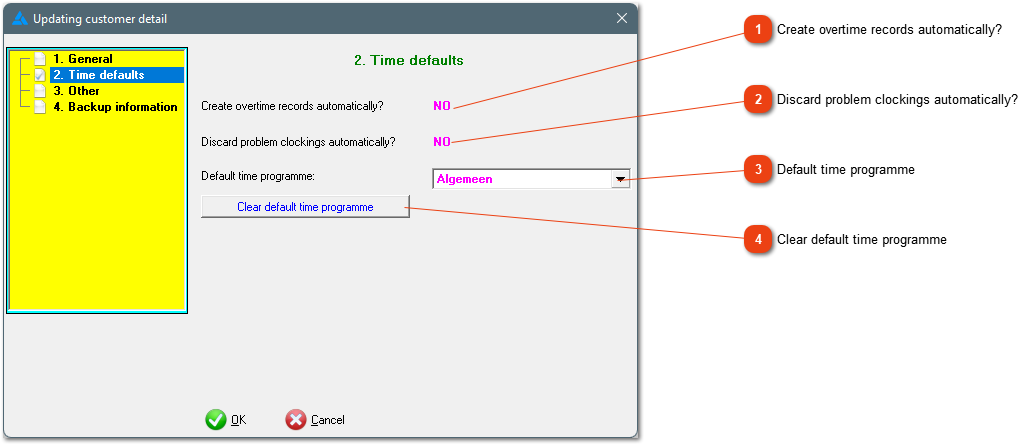
Time-default values currently active on the system.
Create overtime records automatically?
Here you can see what the system defaults are regarding the creation of overtime records. It can be changed here: Tables/Time defaults/Exception handling during conversion process.
Here you can see what the system defaults are with regards to problem clockings. It can be changed here: Tables/Time defaults/Exception handling during conversion process.
This is the default time programme for your dataset. This time programme will be added automatically to any new employees. If this time programme needs to be changed, chose a new programme from the list (dropdown arrow).
If there is more than one time programme used in your setup, it will be better if no default time programme is defined. When appointing a new employee, there will be an option where the correct time programme can be selected.