TODO: To change the footer's content go to Dr.Explain menu Options : Project Settings : HTML (CHM) Export : Setup HTML Template and Layout
Training exports
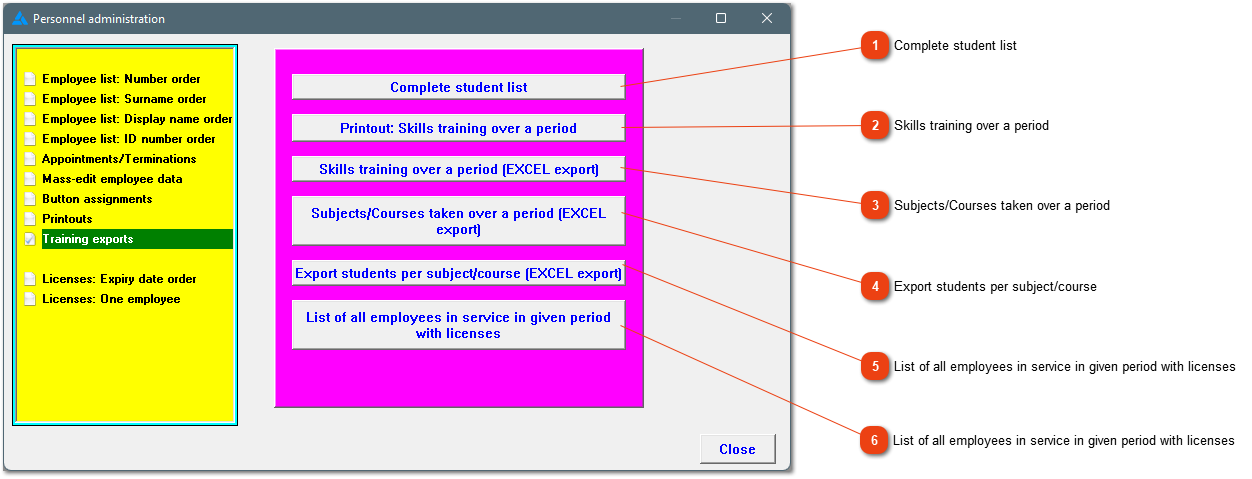
The system has a couple of exports that is used in the training set up. Below you'll find an example of each. Courses must be added under: Tables/Master tables/Subjects. To add information for a specific employee, go to Personnel/Choose applicable employee/Courses or Skills.
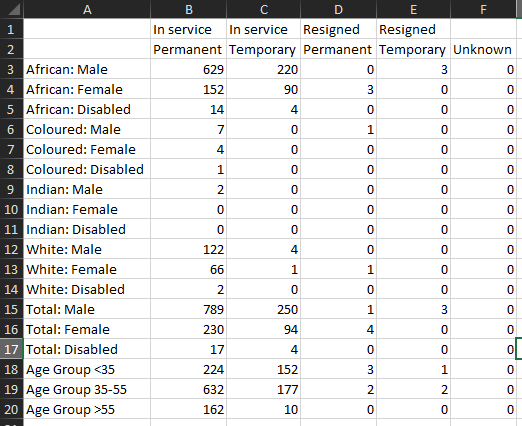
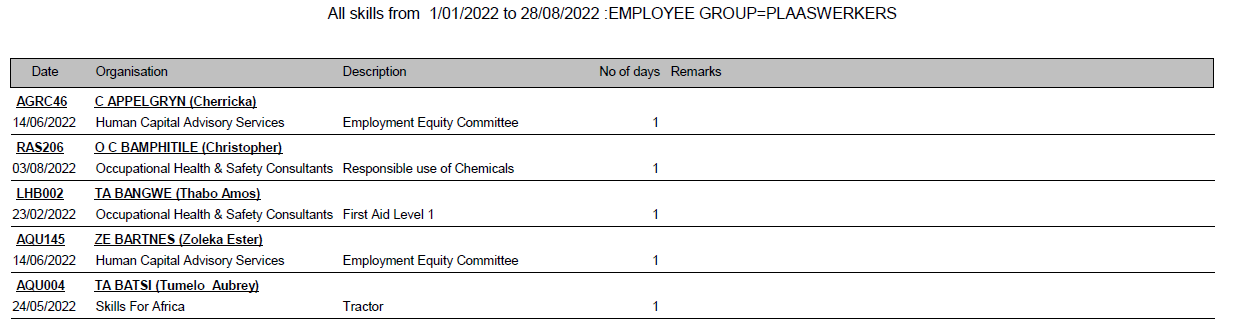
This list is printed over a certain period, and can be printed for a specific employee group and/or team and/or company. The following columns is shown as well as a breakdown according to race/sex/age/disability.
This list consists out of more information than the list at number 2. ID numbers, OFO codes and descriptions, equity levels, race and sex can also be seen on this export.