TODO: To change the footer's content go to Dr.Explain menu Options : Project Settings : HTML (CHM) Export : Setup HTML Template and Layout
UI-19
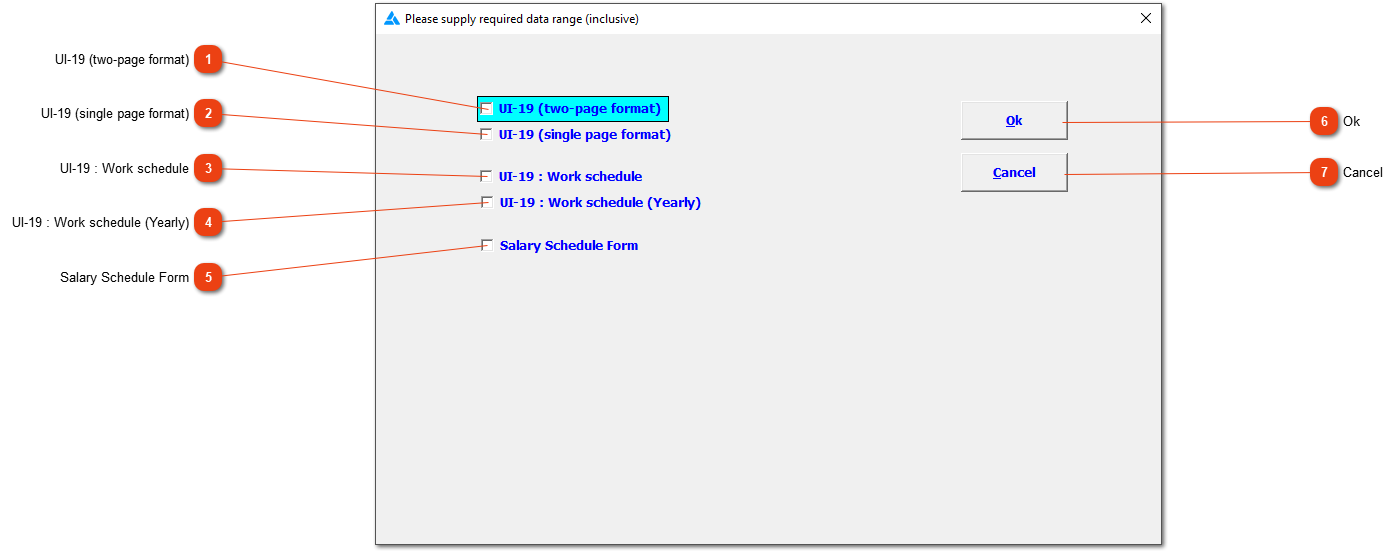
Different reports that can be printed when the UI-19 option is chosen. Before any of the reports can be printed, the next screen will open.
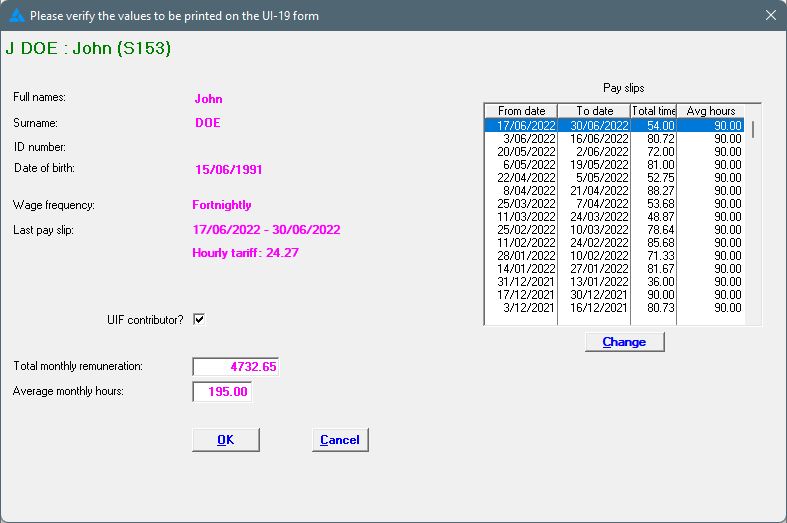
Every pay slip of the employee will be listed on the right side of the screen with the applicable total time and average hours. This is the values that will be used for the work schedule. Check the 'total monthly remuneration' and 'average monthly hours' on the left side; these numbers will print on the UI-19 document. All the information is found on the system, so this should theoretically be correct. If something is wrong, one has to check the employee's information to see where the mistake has slipped in.
A compact work schedule where all the applicable information is in one table and will be shown on one page. The system shows the last 5 years' information.
The salary schedule form will show changes in the employee's wages. Every time an employee receives an increase, an entry will be created on this form.