TODO: To change the footer's content go to Dr.Explain menu Options : Project Settings : HTML (CHM) Export : Setup HTML Template and Layout
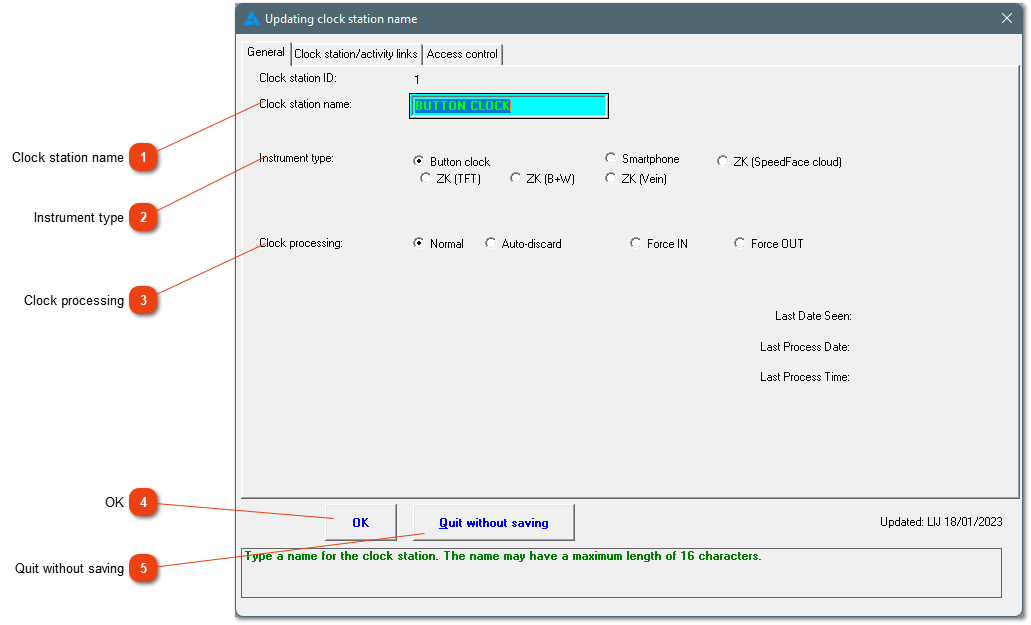
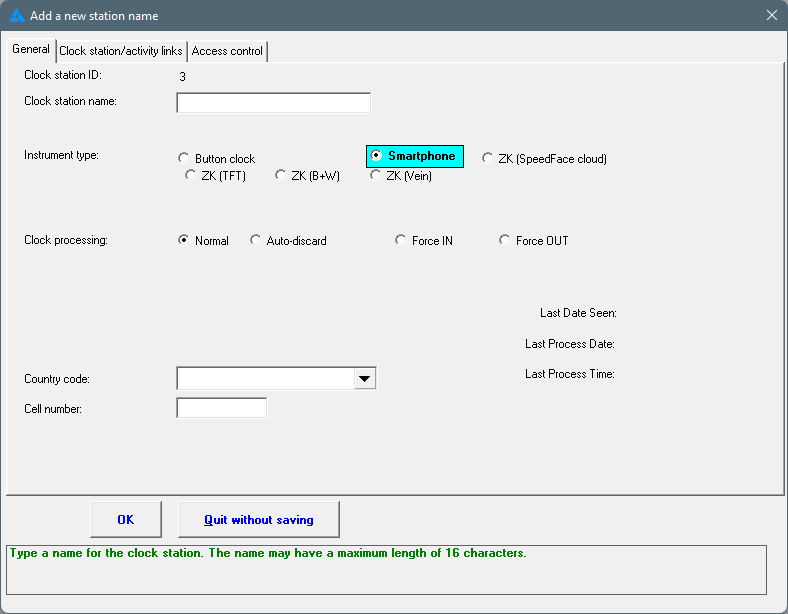
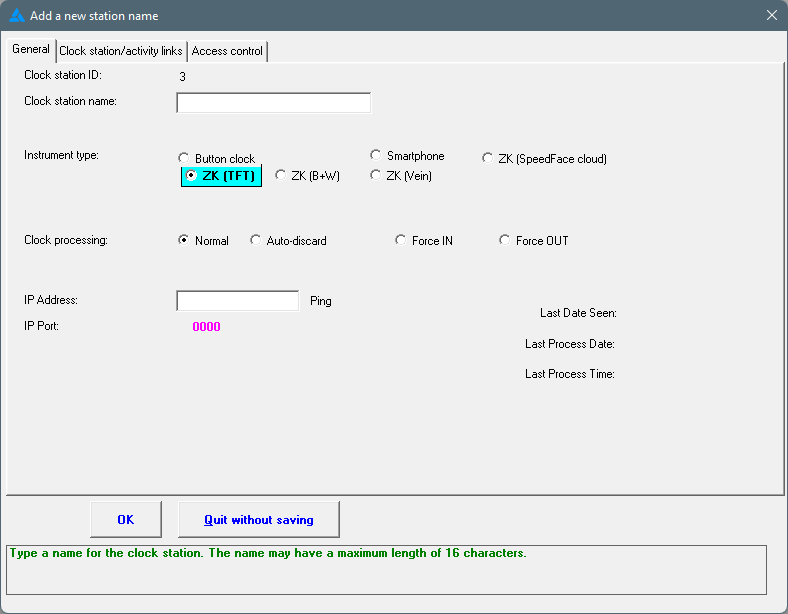
Add a new station name: General; Clock station/activity links; Access control
Each clock station can be used for more than only clock movements. The station can be linked to a piece work activity or it can be used at a gate/door for access control.
Clock station name
Enter a name or description for the clock. You can use a site name, farm name or factory name, or name the clock according to the physical location where it is used.
If piece work has been defined on your dataset, the links to the specific clock station will be shown here.
Access control
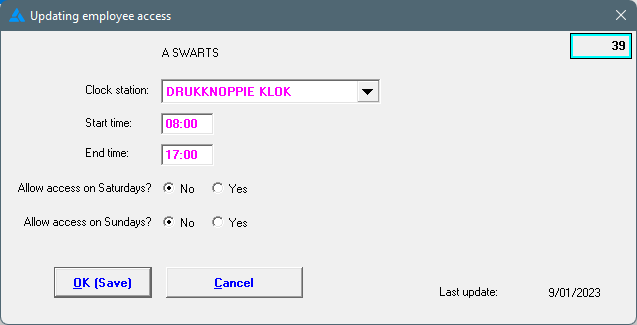
Access control by means of a gate/door must be set up and can be seen under Clock stations/Access control. Access control for one employee can be set up by going to Personnel/Choose the correct employee/Access control (number 9). If you need to set up access control for a group, go to Personnel/Mass-edit employee data/Create access control.
By highlighting the employee and then clicking on Change, times and days might be adjusted. Times of access will be the same on each day. Access can be limited on Saturdays and Sundays. Per clock station.