TODO: To change the footer's content go to Dr.Explain menu Options : Project Settings : HTML (CHM) Export : Setup HTML Template and Layout
Employee Groups
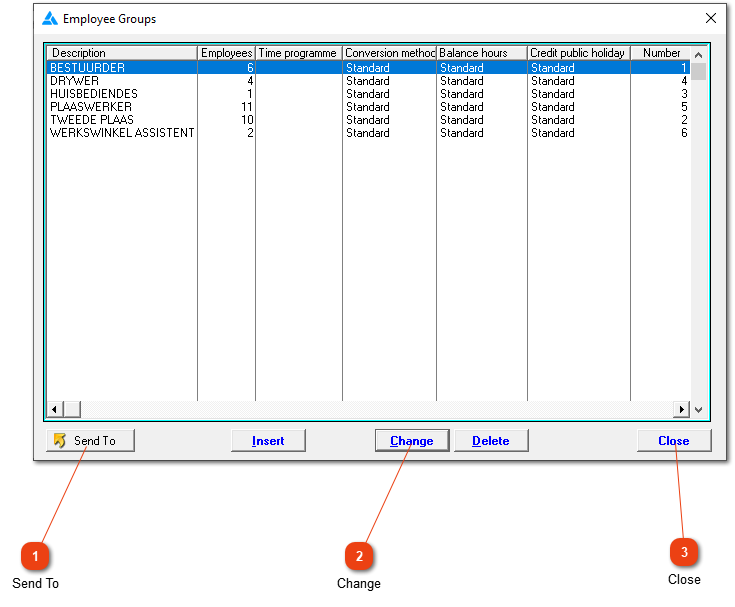
A list of all the employee groups in the system. Reports, generation of pay slips, conversion can be done/looked at/filtered for one group at a time. Choose descriptive names and think about the groupings with this information in mind.
This button (which becomes active as soon as the list contains one or more entries) allows you to print, export or e-mail the contents of the list.
Click here to add an existing employee group or to edit or delete it. The group can only be deleted if there is no one within the group anymore (including employees whose services was terminated).