TODO: To change the footer's content go to Dr.Explain menu Options : Project Settings : HTML (CHM) Export : Setup HTML Template and Layout
Adding a new button
Button number
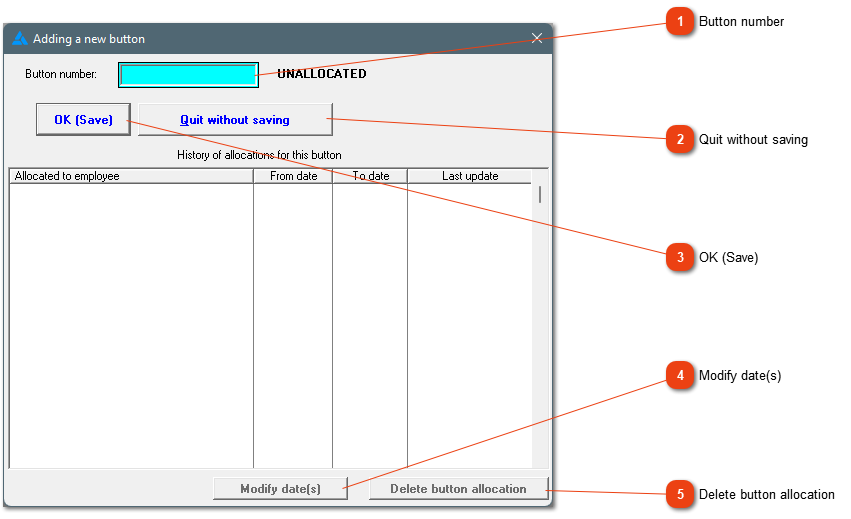
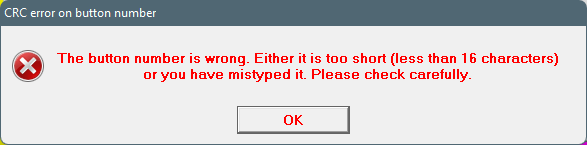
Get the button number on the number itself. The number should be added accurately or the system will not accept it.
Please note, the number consists out of 16 numbers. The first and last two characters is above the long number. The number in this example is: 430000164EDD9E01
The start- and end dates can be edited if it is incorrect. Please ensure that there is a mistake, because the dates applicable are usually defined when employment commence, services are terminated or new buttons are allocated.
If a button allocation should not have been made, the button allocation can be deleted. Please note, the system will not try to stop a deletion, so you need to be very sure about which button allocation should be deleted.