Africlock Manual
Menu

Adding advance

Adding advance
 
Creating a special payment or deduction which must appear on an employee's pay slip.
1

Date

1. Date
Enter the date on which the payment or deduction must be made.
2

Employee

2. Employee
Type the employee number or use the LIST button to choose an employee.
3

Description

3. Description
Click here to select the item description which must appear on the pay slip.
4

Photo of employee

4. Photo of employee
If a photo of the employee has been loaded on the system, it will be shown on this screen.
55. Print advance form on OK
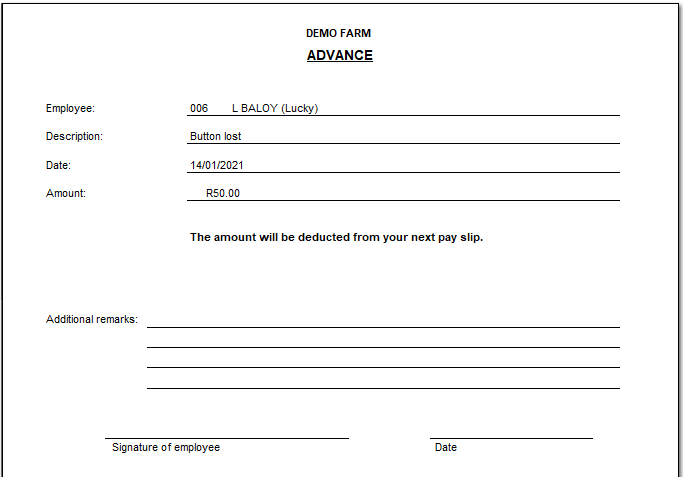
Check this box if you want to print an advance form for the employee to sign.
66. Print form with banking details
Check this box if you want to print the employee's banking details on the advance form that the employee will need to sign.
7

Amount

7. Amount
Enter the amount of the payment or deduction here.
8

Remarks

8. Remarks
Anything that you type here will appear on the pay slip instead of the wording shown in the 'Description' field. Assume that your employees occasionally purchase maize or chickens from you. It is not necessary to define two separate pay slip items. You only need one item called Goods purchased. When an employee buys chickens, select Goods purchased from the list but type 'Chickens purchased' in the 'Remarks' field. In the case of maize, type 'Maize purchased'. The wording in the 'Remarks' field will appear on the pay slip but the deduction will be treated according to the definition of Goods purchased.
 
The online help was made with Dr.Explain