TODO: To change the footer's content go to Dr.Explain menu Options : Project Settings : HTML (CHM) Export : Setup HTML Template and Layout
Advances
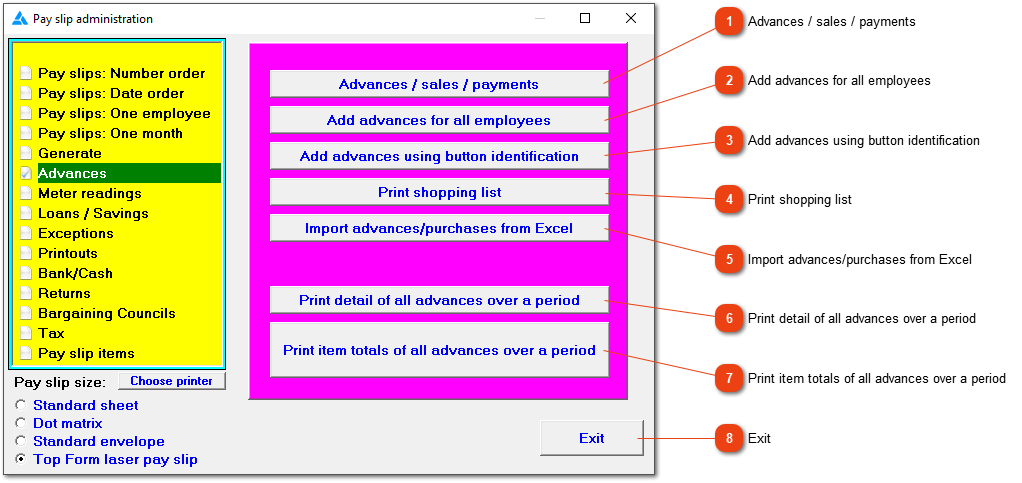
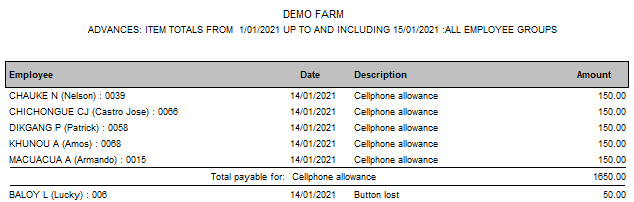
This window allows you to deal with advances and special payments to employees and purchases made by them.
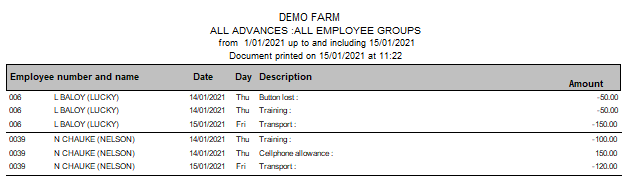
You may occasionally decide to make a special payment to an employee or he/she may owe you money in terms of goods purchased, a wage advance etc. You can record the details here to ensure that they appear on the employee's pay slip at the correct time. Obviously, this must be done before the pay slip is generated. Nothing stops you from adding the item directly to the pay slip instead of entering it here, but a reminder will have to be kept anyway. Using this feature provides a convenient history of special payments and deductions which you can view at any time.
This allows you to create the same advance for all employees or a group of employees. The amount can differ, but the pay slip item being used will be the same.
Allows you to create an empty Excel spreadsheet where you can enter details of advances to and purchases by employees. This data will then be imported from the spreadsheet to the employees' pay slips.