TODO: To change the footer's content go to Dr.Explain menu Options : Project Settings : HTML (CHM) Export : Setup HTML Template and Layout
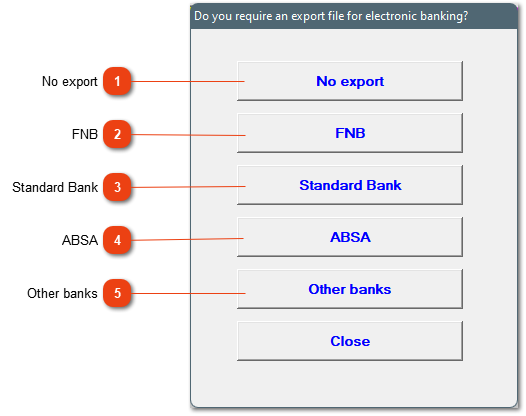
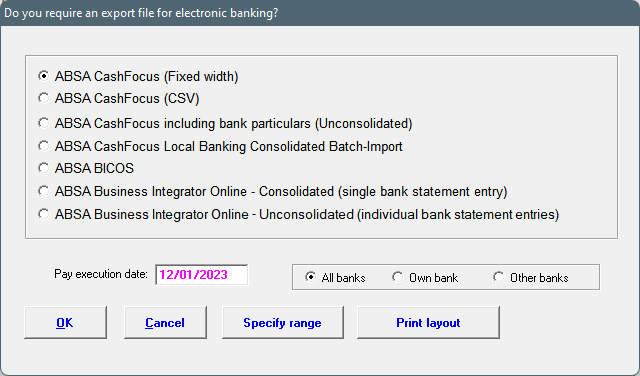
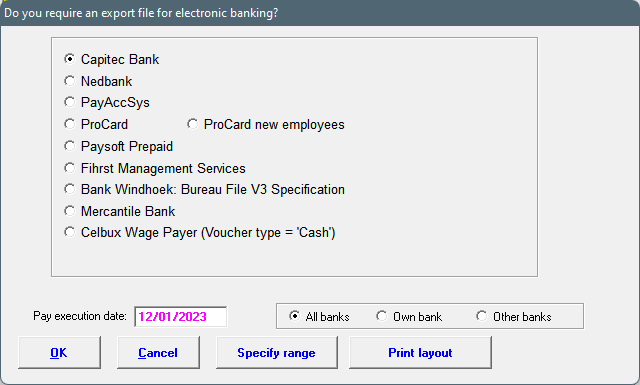
Do you require an export file for electronic banking?
With every bank export the system will typically give a couple of export options, a pay date, the option to choose a period/pay slip range and the format of the file specifications.
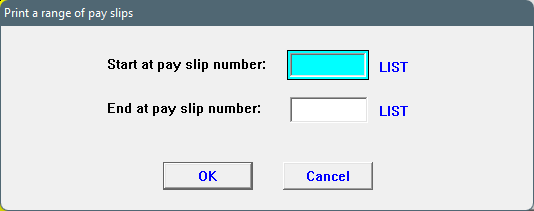
If you click on OK, the system will ask for the applicable period for the bank export, otherwise choose 'Specify range'.
SPECIFY RANGE: When using this option, the period can differ without including wrong pay slips, but the system will include every pay slip (if employee is set to electronic payment) within the specified range.
The order of the employees in the export.
Please indicate where the file must be stored. The easiest is to store it on the Desktop and move it elsewhere later on.
The bank particulars of the company from where the payment will be made. The system will store these particulars after it has been entered the first time.
WARNINGS:
1. The system will give a warning if there is a pay slip at a later date that is not included in the export. The export file will still be created after you've clicked on OK.
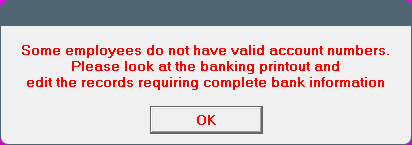
2. The system will not create the export file if one or more of the employees do not have a valid account number.
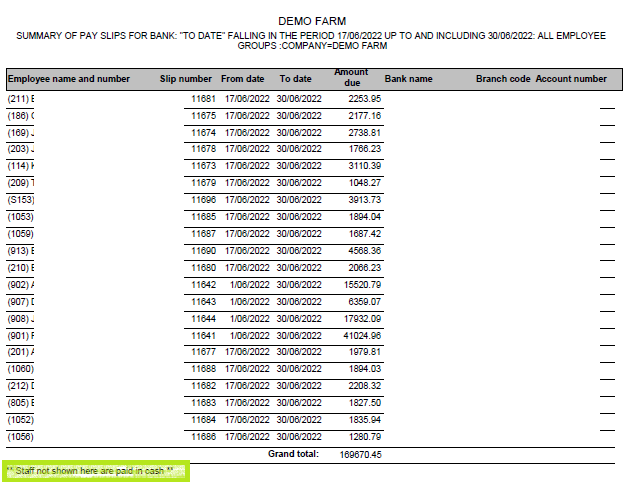
This option creates a printout, of all employees marked that they will receive money electronically, their nett paid amount as well as their banking particulars. Please ensure the correct dates are chosen, if two pay slips fall within the period, both will be included.
If the employee's name and surname isn't on the list, it can be because of one of two reasons:
1. Please ensure the employee has a pay slip and the pay slip's end date falls within the period defined. If the employee's pay slip ends on a later date, for example the printout's period is from 17/06/2022 to 30/06/2022 and the employee's pay slip runs from 17/06/2022 to 01/07/2022, it will not be on the export (The system ONLY looks at the end date).
2. If the employee's pay method has been marked as cash, the employee will not be on the printout. This can be checked under the employee's data: Personnel/Choose applicable employee / Bank (in yellow) / Electronic (Payment method)