TODO: To change the footer's content go to Dr.Explain menu Options : Project Settings : HTML (CHM) Export : Setup HTML Template and Layout
Ignore pay slip overlap when converting
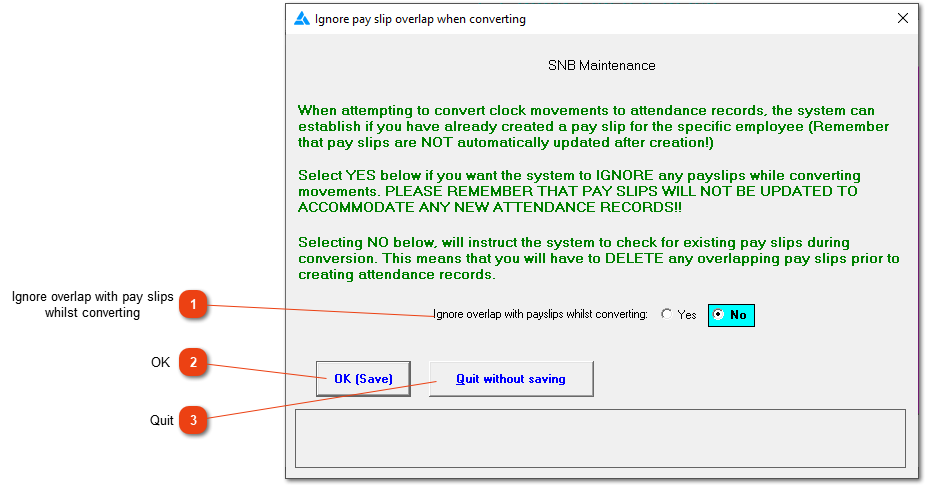
It may happen during conversion that the system encounters clock records that have not yet been converted and relate to pay slips that have already been created (this could happen if you omitted to transfer all the clock movements to the computer before doing the previous conversion and pay slip generation).
Must the system ignore the problem or not?
If you select 'Yes', the system will not test for conflicting pay slips but it will still convert the 'extra' clock movements to attendance records. The pay slips will NOT be changed.
If you select 'No', the movements will be discarded (default setting).
Ignore overlap with pay slips
whilst converting
Indicate whether you want the system to ignore any clash between clock movements and previous pay slips or not.