TODO: To change the footer's content go to Dr.Explain menu Options : Project Settings : HTML (CHM) Export : Setup HTML Template and Layout
Processing of public holidays
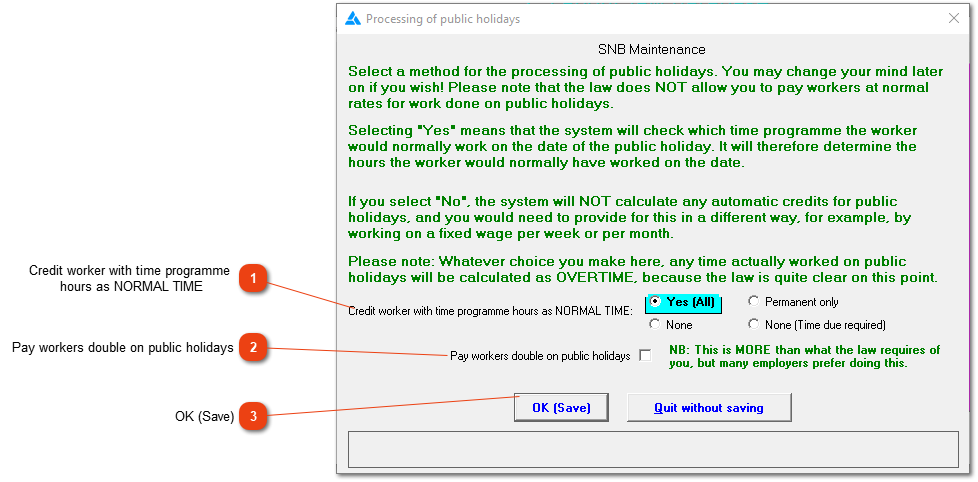
This window lets you decide how to deal with public holidays. Generally speaking, you should select the 'Yes' option, unless you know that you have a legally acceptable way of dealing with payment for public holidays, and that you will not unfairly deduct money from employees. Please read the explanation carefully as it sets out the situation in detail.
Credit worker with time programme
hours as NORMAL TIME
Select one of the options. You can change it afterwards if you need to.
This option is more than the law requires. If employees haven't worked, but it is a working day, the system will give the normal hours in the standard hours column.
Employees working on a public holiday. The system gives the required hours for the day (as defined on the time programme) in the standard hours column PLUS the hours worked at double time.
Do not change the setting to this because it sounds correct with double pay. The system's default will give the employees the right amount of money (one half of the double tariff under standard time, and the other half under public holiday: work day).