Employees have the option to save money on a regular basis (weekly/fortnightly/monthly) by deducting a certain amount from their wage at the end of a pay period.
The savings transaction must initially be added on the employee's pay slip as a recurrent transaction. An item 'Fixed deduction: Savings plan' is available from the list of pay slip items.
Follow the steps below:
1. Generate the employee's pay slip.
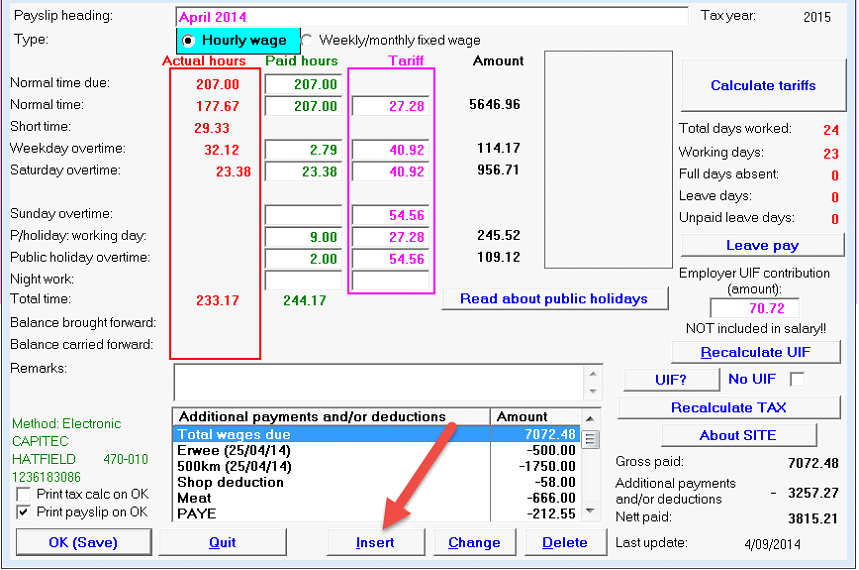
2. Click on the option at the bottom of the page: Insert.
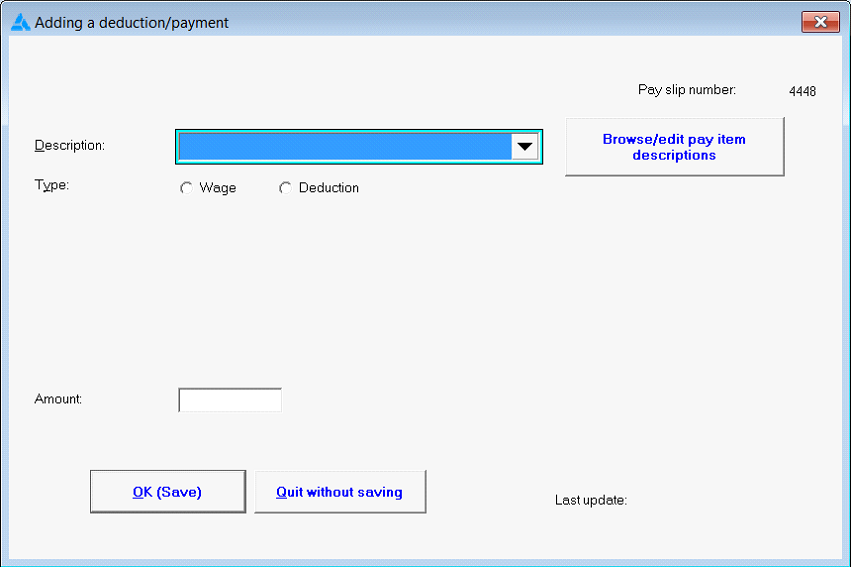
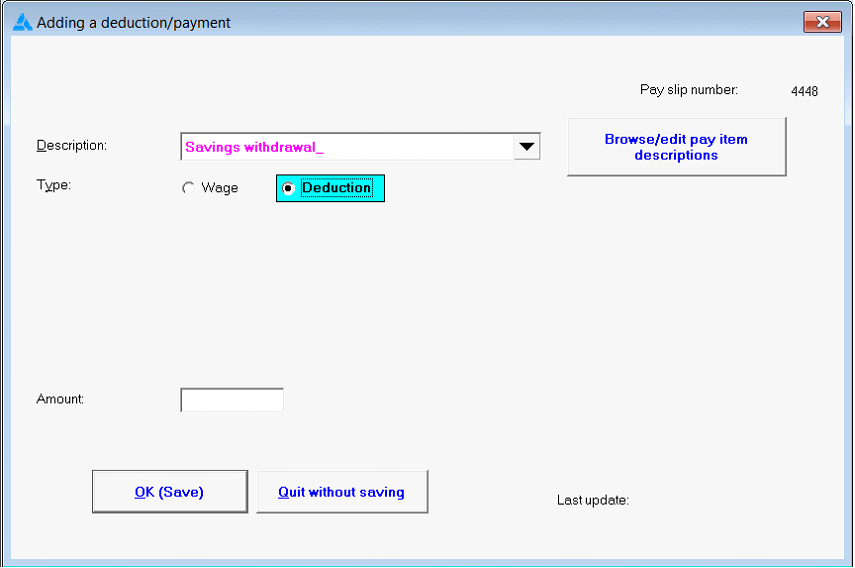
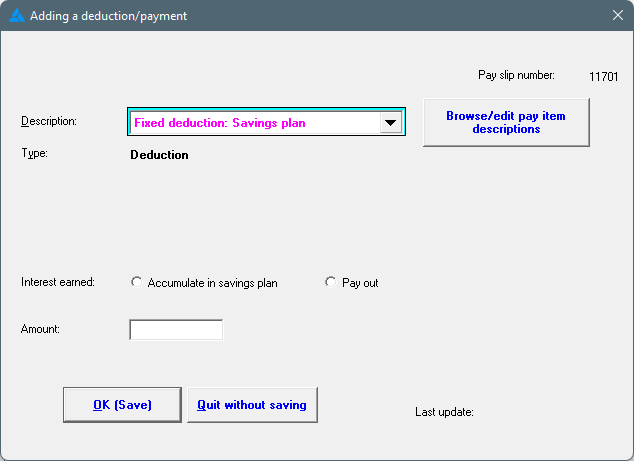
3. A screen will be displayed with the heading: Adding a deduction / payment.
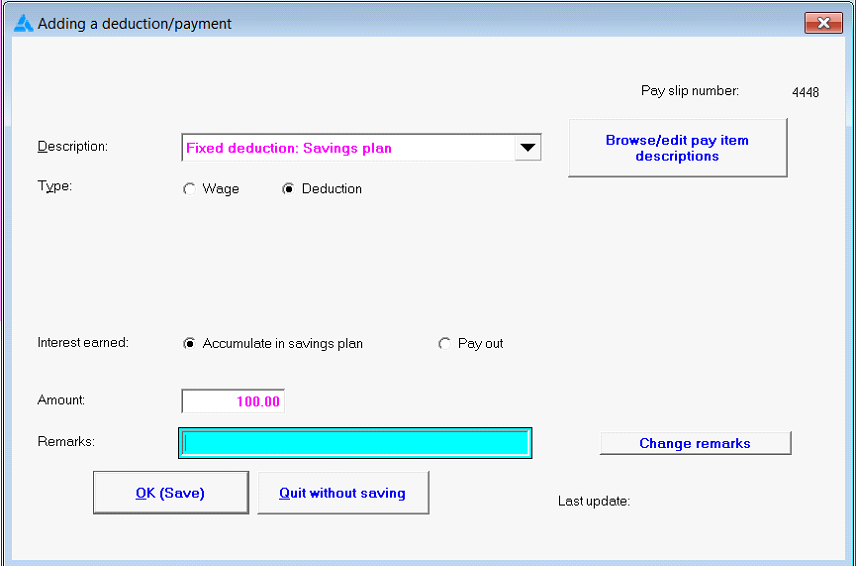
4. Choose the item 'Fixed deduction: Savings Plan' from the list available by clicking on the black dropdown arrow.
5. Indicate if interest should be calculated on the savings amount , and also if the interest should accumulate in the savings plan, or be paid out.
6. Complete the amount to be deducted.
7. Click on: OK (Save).
8. The amount will be deducted on each following pay slip, until the transaction is deleted from the pay slip.
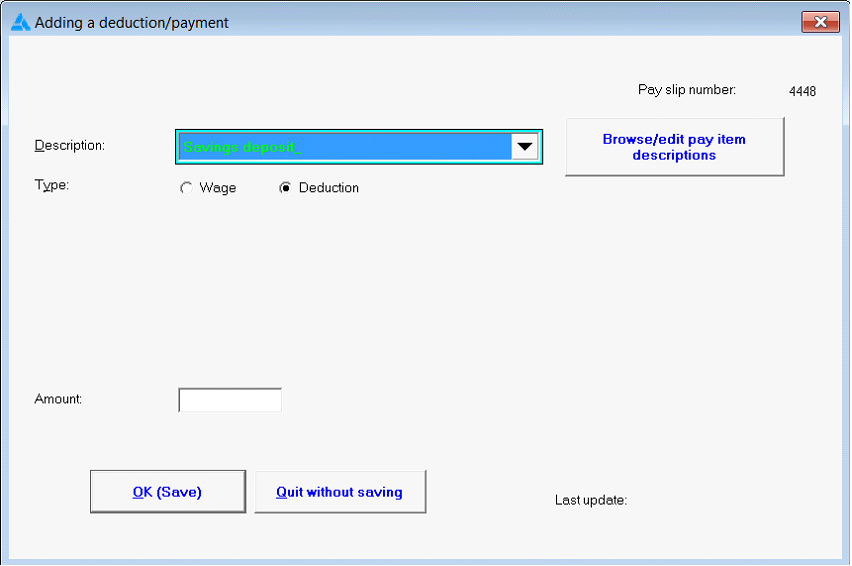
9. A single savings amount that needs to be deducted once, can be added by using the option: 'Savings deposit'.
10. Withdrawals from the savings plan can be done on an employee's pay slip by using the item 'Savings withdrawal'.
Where employees make additional deposits or withdrawals from their savings plan, it should be done as follows:
1. Click on the Main Screen on: Pay.
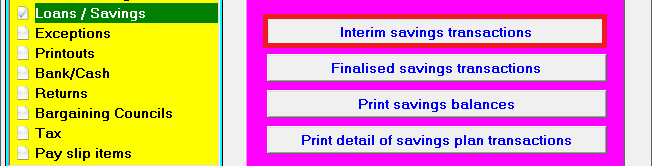
2. Select from the options in the yellow block: Loans/Savings.
3. Select from the options on the right hand side in pink/blue: Interim savings transactions.
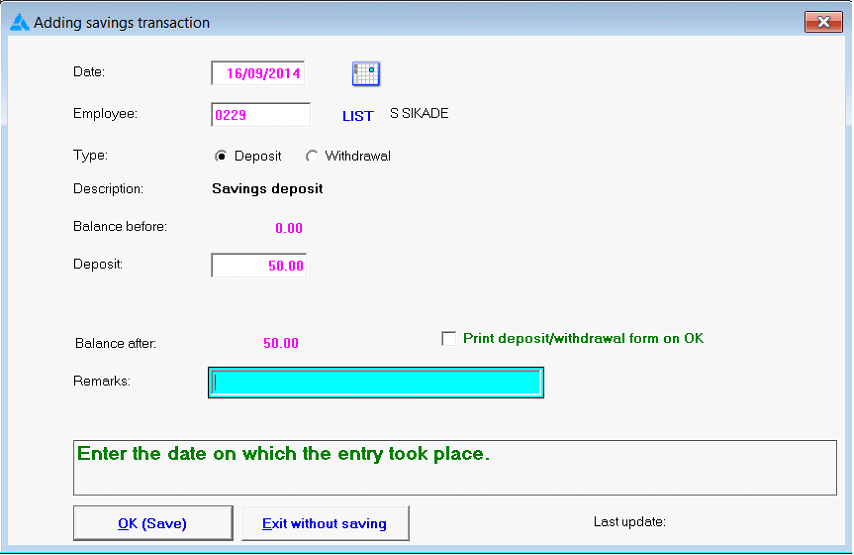
4. Click on the option at the bottom of the screen: Insert.
5. Choose between: Deposit OR Withdrawal, and complete the fields required.
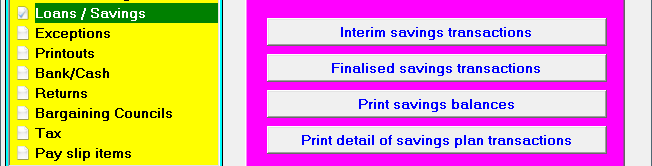
Savings balances and savings transactions can be seen with the following options:
INTEREST RATE ON SAVINGS PLAN
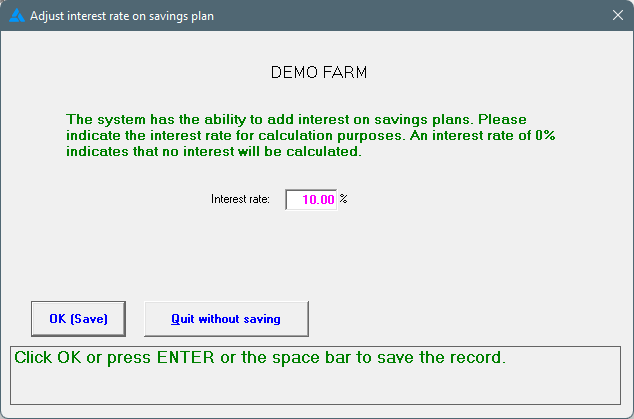
Employees can earn interest on savings plans. This setting is applicable to the WHOLE company. To specify the interest rate, follow these steps:
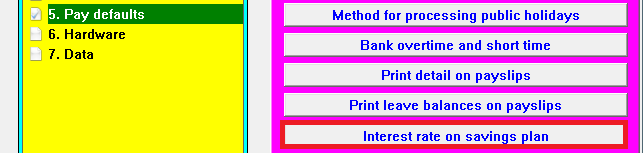
1. Go to Tables
2. Choose Pay defaults / Interest rate on savings plan.
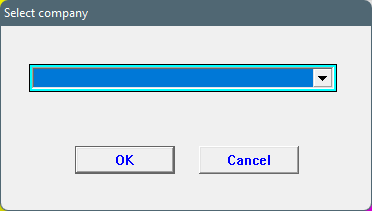
3. Choose the applicable company.
4. Enter the interest rate.
5. When the Fixed deduction: Savings plan is added on the pay slip, it will open another field for interest earned:
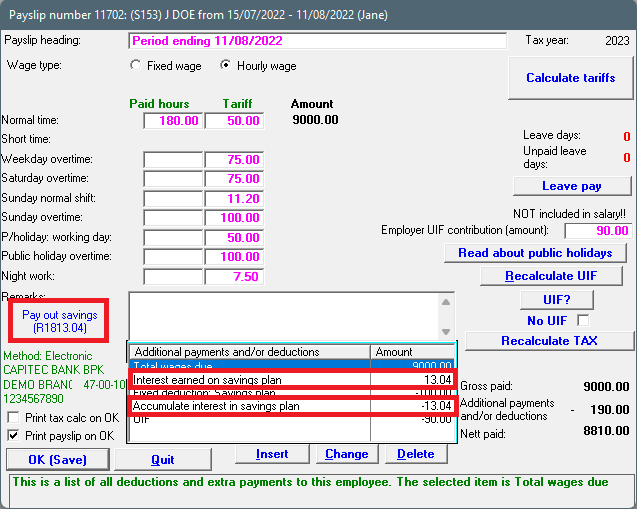
Accumulate interest in the savings plan
Here is an example where interest is accumulated in the savings plan. The interest will be added to the savings plan each pay period and the employee's savings will grow. On the pay slip, the interest will be added and deducted to cancel each other out.
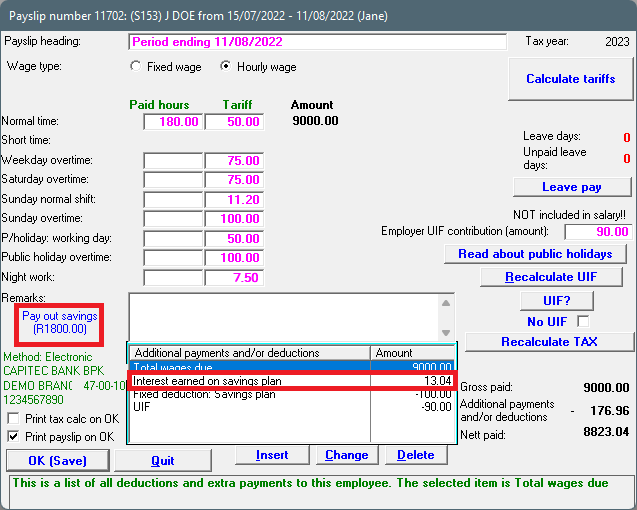
Pay out interest on savings plan
Here is an example when interest is paid out on the pay slip. The interest will be paid out for each period.