TODO: To change the footer's content go to Dr.Explain menu Options : Project Settings : HTML (CHM) Export : Setup HTML Template and Layout
Signature for form
This signature will be printed on the UI-19 documents. By capturing the signature, this will help at the end of a season or at times when a lot of UI-19's should be signed.
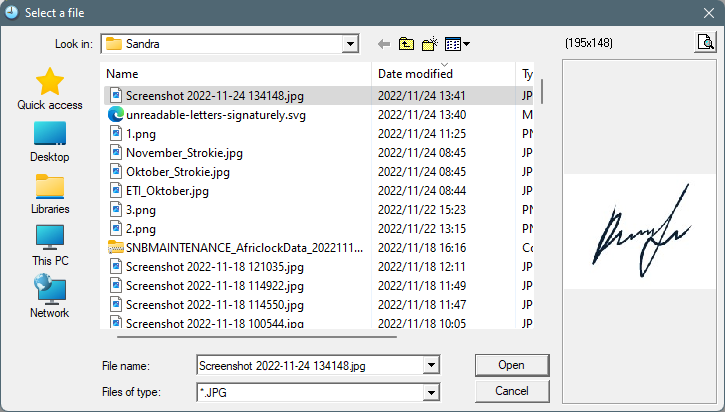
The system will open File explorer. Search for the signature file where it has been stored. Please note, only JPEG files can be used.
The signature will be captured in the system.
The signature will now be displayed on the UI-19 when printed.
If the signature needs to be removed, simply press 'Clear signature'. Click 'OK (Save)'. When you go into the option again (Signature for forms), the signature will be cleared.