Africlock Manual
Menu

Exceptions

Exceptions
Exceptions can be used to import SALARIED WORKERS' hours, short time, overtime, absence etc before the pay slips are generated. Please note, this is only applicable on employees set up as salaried workers.
11. Search/update exceptions (short time and overtime)
Exceptions can be added one by one, edited or deleted.
22. Create exceptions for a group of employees
A group of employees can get the same exception at once using this option.
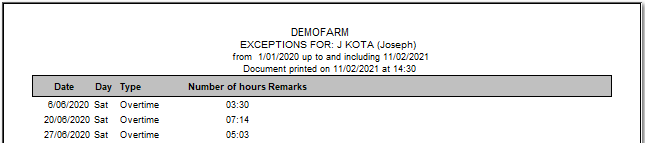
33. Print exceptions for one employee
All the exceptions pertaining to one employee can be printed for a certain period.
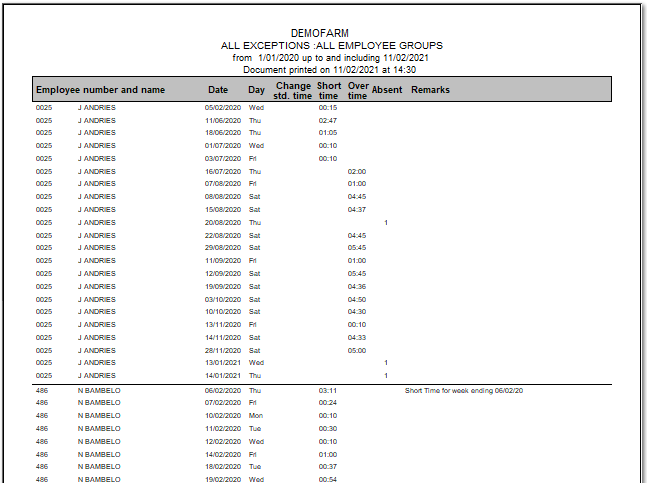
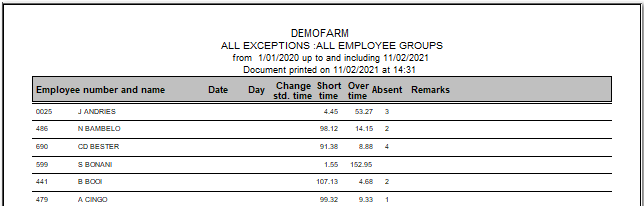
44. Print all exceptions over a period
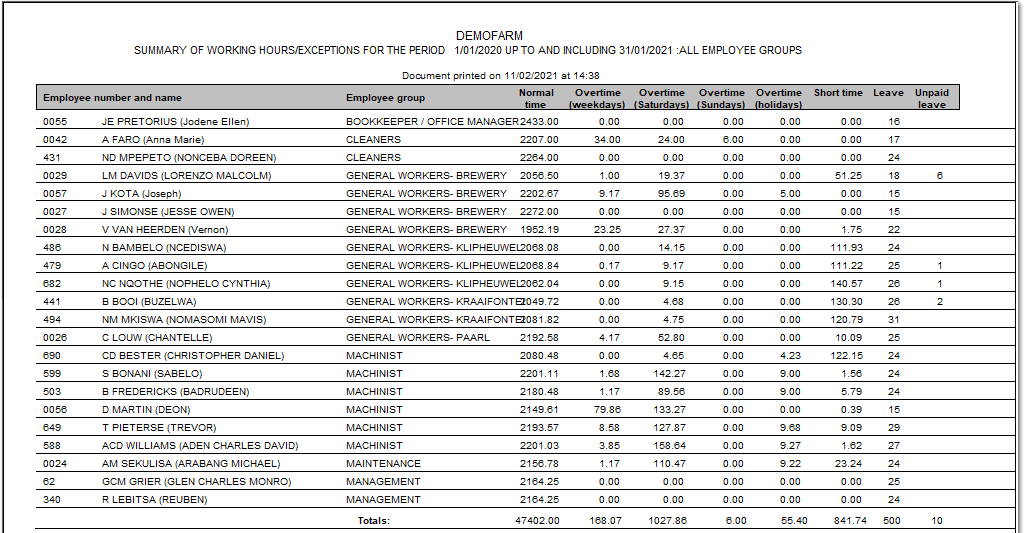
All exceptions, for a single group or all groups, can be printed in detail. Every exception will have it's own line and each employee will be grouped together.
The summarised report will show a total amount of hours for each exception for each employee.
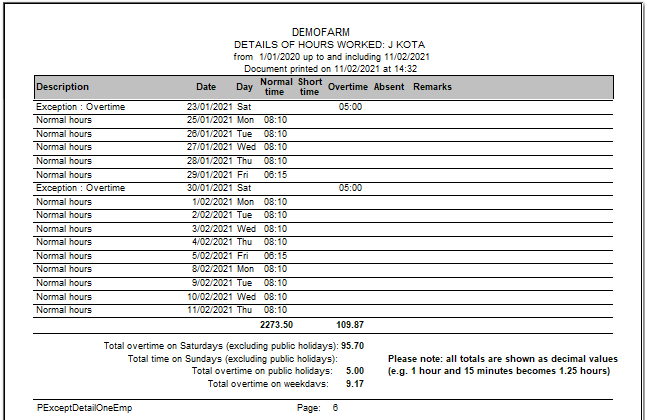
55. Print hours worked/short time/overtime/leave for one employee
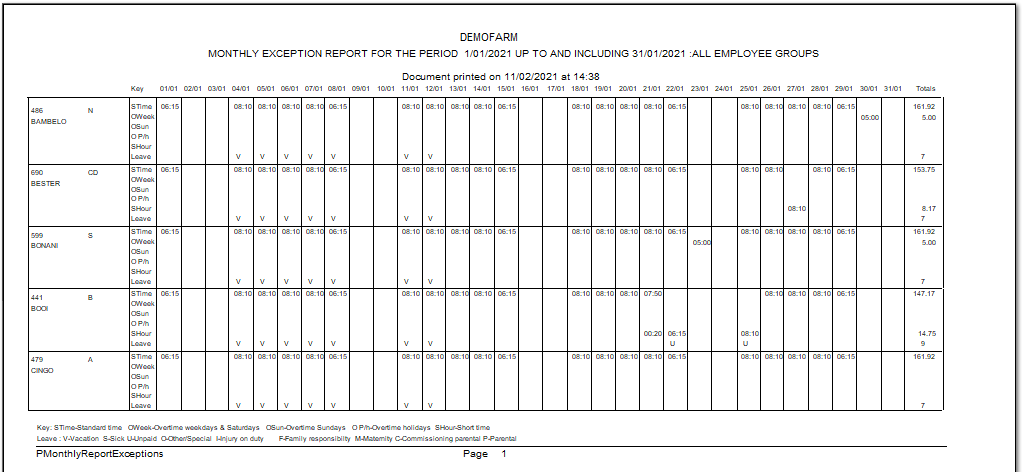
This printout serves as an attendance report. It shows what happened each day with regards to normal time, short time and overtime and gives a total of each at the end of the report.
88. Time-off
If an employee has a partial day off (because of illness or vacation leave), this option can be used to adjust the leave balances accordingly.
99. Print detail on payslips
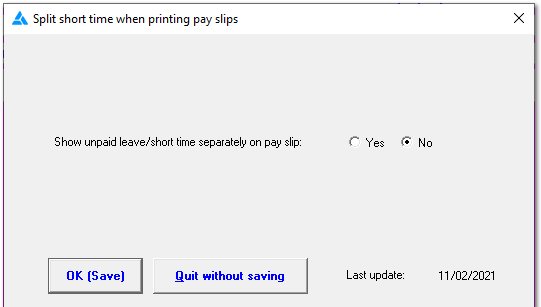
Do you want to see short time and unpaid leave on separate lines on the pay slip?
1010. Roll call: Weekly
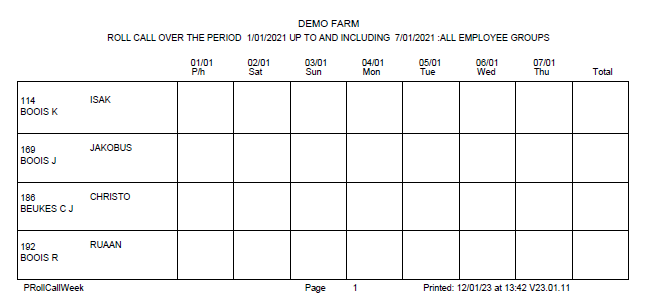
A weekly register if employees should sign in/indicate hours worked on each separate day.
1111. Roll call: Fortnight
A fortnight register if employees should sign in/indicate hours worked on each separate day.
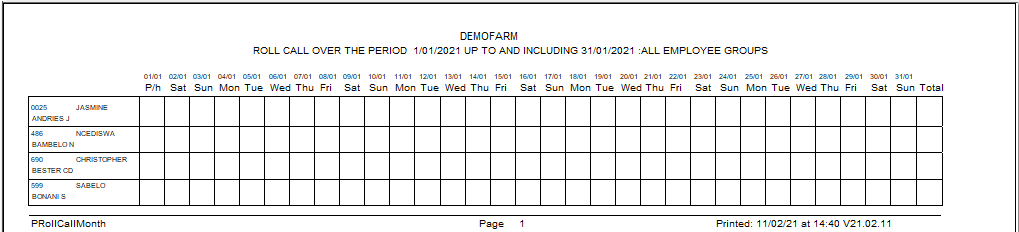
1212. Roll call: Monthly
A monthly register if employees should sign in/indicate hours worked on each separate day.
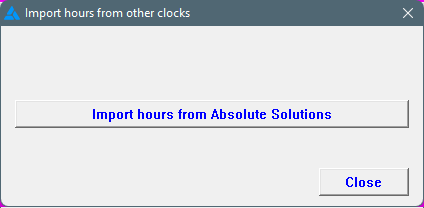
1313. Import hours from other clocks
Import hours from the 'Absolute Solutions' system into Africlock. Please note, this isn't clock movements, but literally the amount of hours worked.
1414. Import hours from EXCEL
If you want to import hours from Excel, a file must be created in Africlock for you to fill out the hours.
1515. Exit
Close the screen.
 
The online help was made with Dr.Explain