TODO: To change the footer's content go to Dr.Explain menu Options : Project Settings : HTML (CHM) Export : Setup HTML Template and Layout
Company defaults
Provides quick access to Company specific defaults. A lot of this information can also be found under 'Company particulars' or 'Additional companies' and will therefore not be discussed again.
This part of the company details consists of the company name, address, telephone number, fax number and email address. This is the same screen as found here: Tables/General/Company Particulars/General
Information needed for the completion of the UI-19 forms, can be found here. The same information can be found here: Tables/General/Company Particulars/UI-19 values.
Information with regards to PAYE, UIF and SDL is shown here. The same information can be found here: Tables/General/Company Particulars/PAYE/SDL values.
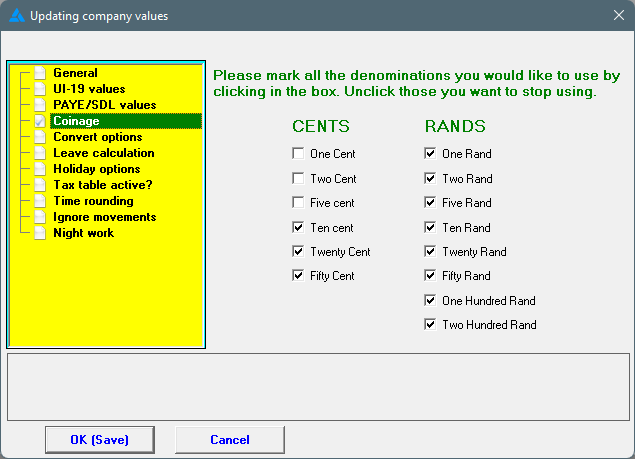
Indicates which coins and notes you want to use when paying your employees in cash. This will round off the pay slips of the employees whose pay method is marked as cash, to facilitate payment.
This same information can be found at: Tables/Pay defaults/Coinage.
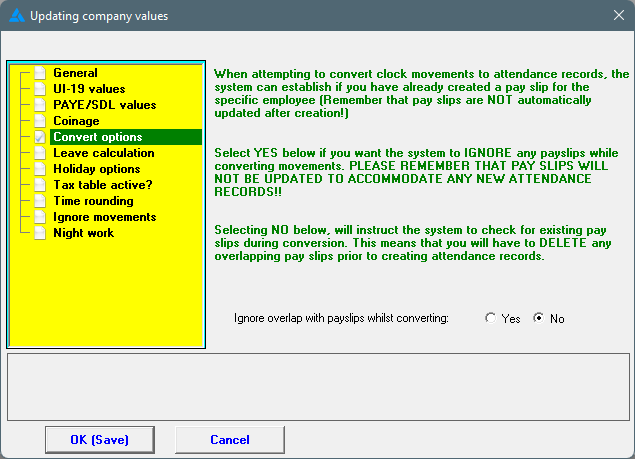
What should happen when the system finds an unconverted record during conversion, but pay slips have already been made for the employee for this period?
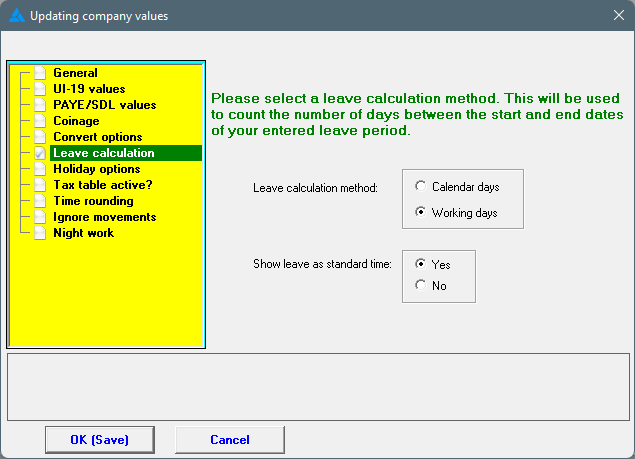
It is your choice if leave should be calculated according to calendar or working days. An adjustment can also be made here to show leave as standard time or not. Please note, that if 'no' is marked here, and the employee is a clock worker, that the employee must then be compensated for the leave in another way.
Calendar days: The system will include all calendar days when leave is entered, including Sundays, and this will be reflected in your leave balances. Please note, the system uses the hours on the time programme to calculate how much hours are due. Hours that aren't shown on the time programme (e.g. Sundays cannot be defined), should therefore be added on the pay slip as an extra wage or added hours.
Working days: The system will calculate leave only on the days that is defined on the time programme (clock workers) or on the employment history (salaried workers)
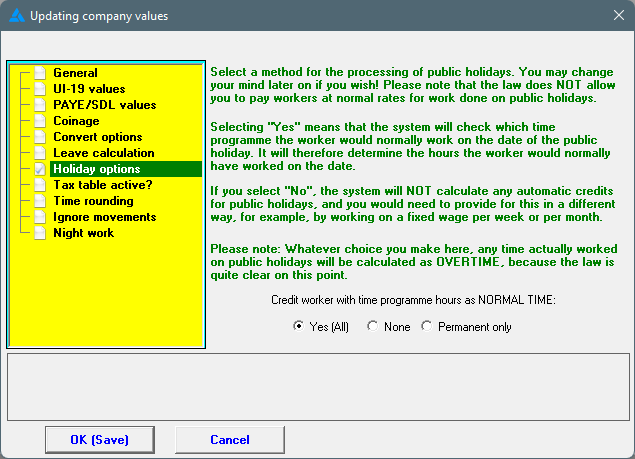
According to law, employees cannot work for a normal tariff on public holidays. Employees are entitled to the public holiday hours without needing to work.
There are different options available on the system with regards to public holidays. Everyone gets credited with the hours as defined on the time programme (without working); no one gets credited with hours on a public holiday; only the permanent employees get credited. Temporary workers are therefore excluded with the last option.
The default option will be marked: 'Yes(All)' will be credited with the defined time programme hours as if it is standard hours. Normally, it should be this option, unless you know that the way you handle payments are legally correct and that money isn't withheld unreasonably by employees. Please read the following screen carefully.
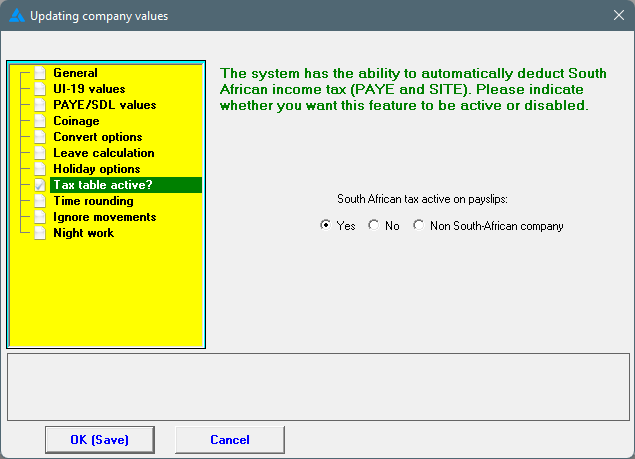
If you want the system to automatically calculate PAYE and add it on pay slips where necessary, the tax tables must be active. There is an option to switch of the tax tables, but then you cannot do any tax exports, e.g. IRP5 etc from the system. If the company is a non-South African company, mark it accordingly.
This option can also be found under pay defaults with a more in depth explanation.
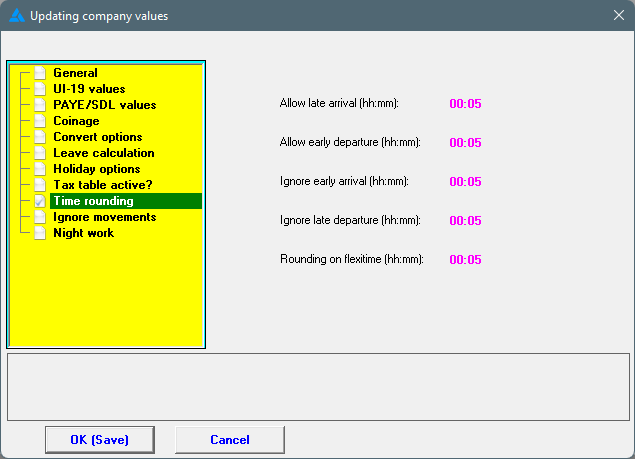
Time rounding has to do with arrival and departure times and gives a certain measure of control with time deviations. This setting is applicable on the company as a whole. A better method can be found on the time programme itself, by adjusting the arrival and departure time there.
Time rounding is discussed more in depth under time defaults. The values can only be viewed (and not edited) on the current screen.
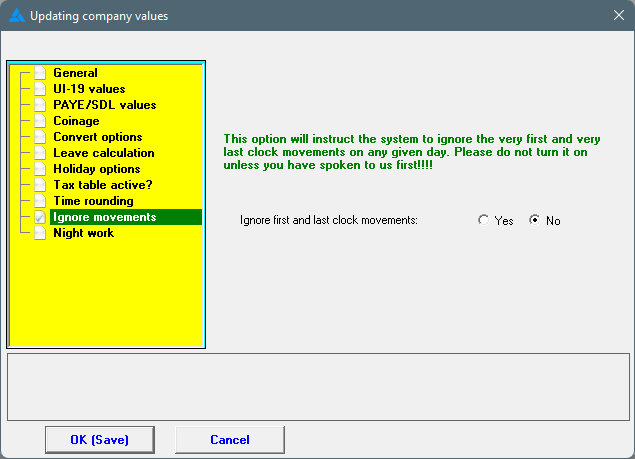
If, for some or other reason, you want to ignore the first and last clock movement on a day, you can set it here. If 'Yes' is chosen, the system will always ignore the first and last clock movements. Please ensure that this is indeed what is needed in your situation, before changing this option. It is easier to phone us to discuss the situation.
An example where this functionality will work: Piece workers, clocking in and out for control of attendance AND clocking for their piece work entries. To facilitate the conversion process of the piece work activities we set the system to ignore the first and last clock movements automatically.